

TCL NXTPAPER 11 Plus Android Tablet, 11.5″ 120Hz 2.2K Drawing Pad & Digital Notebook, Stylus & Flip Case Included, NXTPAPER 4.0 Display, AI Tools, 8+8GB RAM, 256GB Storage, 8000mAh Battery, Onyx Black
$269.99
Related Products






From the brand

About Us
Founded in 1981, TCL is a global tech brand known for innovation and user care. Our NXTPAPER display technology offers vivid colors with low blue light and zero flicker—bringing comfort to your eyes without sacrificing clarity. From smartphones to tablets, TCL helps you see smarter, live better.
TCL NXTPAPER Tablet Series
TCL 60 XE NXTPAPER 5G Phone

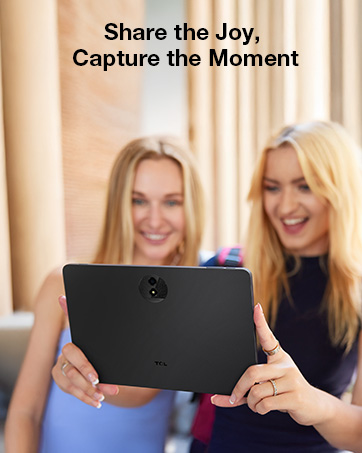
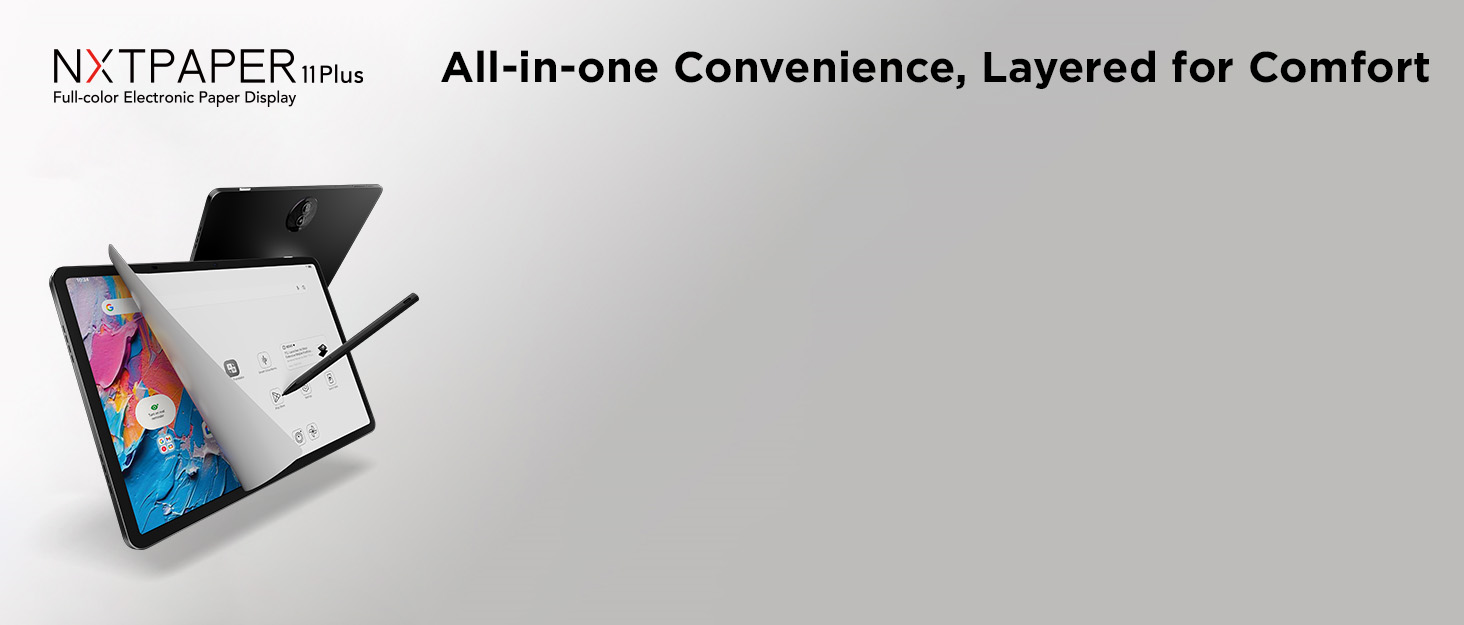
Tablet, Drawing Pad, and Digital Notebook – All in One: Whether you’re an artist, student, professional, or entertainment fan, the TCL NXTPAPER 11 Plus integrates smoothly into your lifestyle. It features an 11.5″ 120Hz 2.2K display for ultra-smooth visuals and sharp detail, and includes the TCL T-PEN stylus with 4096 levels of pressure sensitivity for fluid, precise input. It meets every need with ease
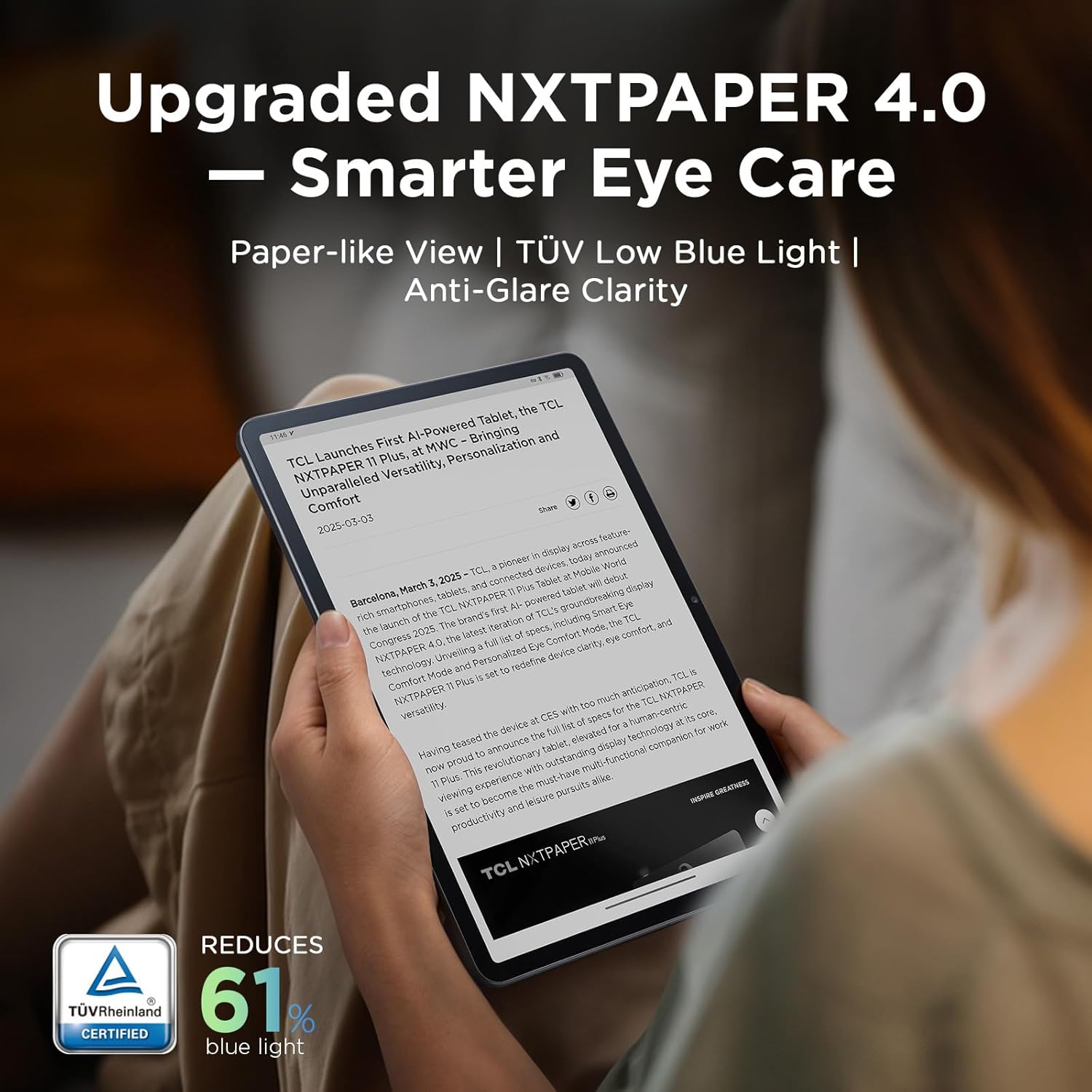
NXTPAPER 4.0 Display for Enhanced Eye Comfort: Featuring upgraded NXTPAPER 4.0 display technology, it provides an even more paper-like experience with TÜV-certified low blue light, anti-glare coating, and DC dimming, ensuring a flicker-free screen that helps reduce eye strain and enhances comfort during long periods of use. The Eye Care Assistant can automatically adjust brightness and color temperature based on your environment and remind you to take breaks
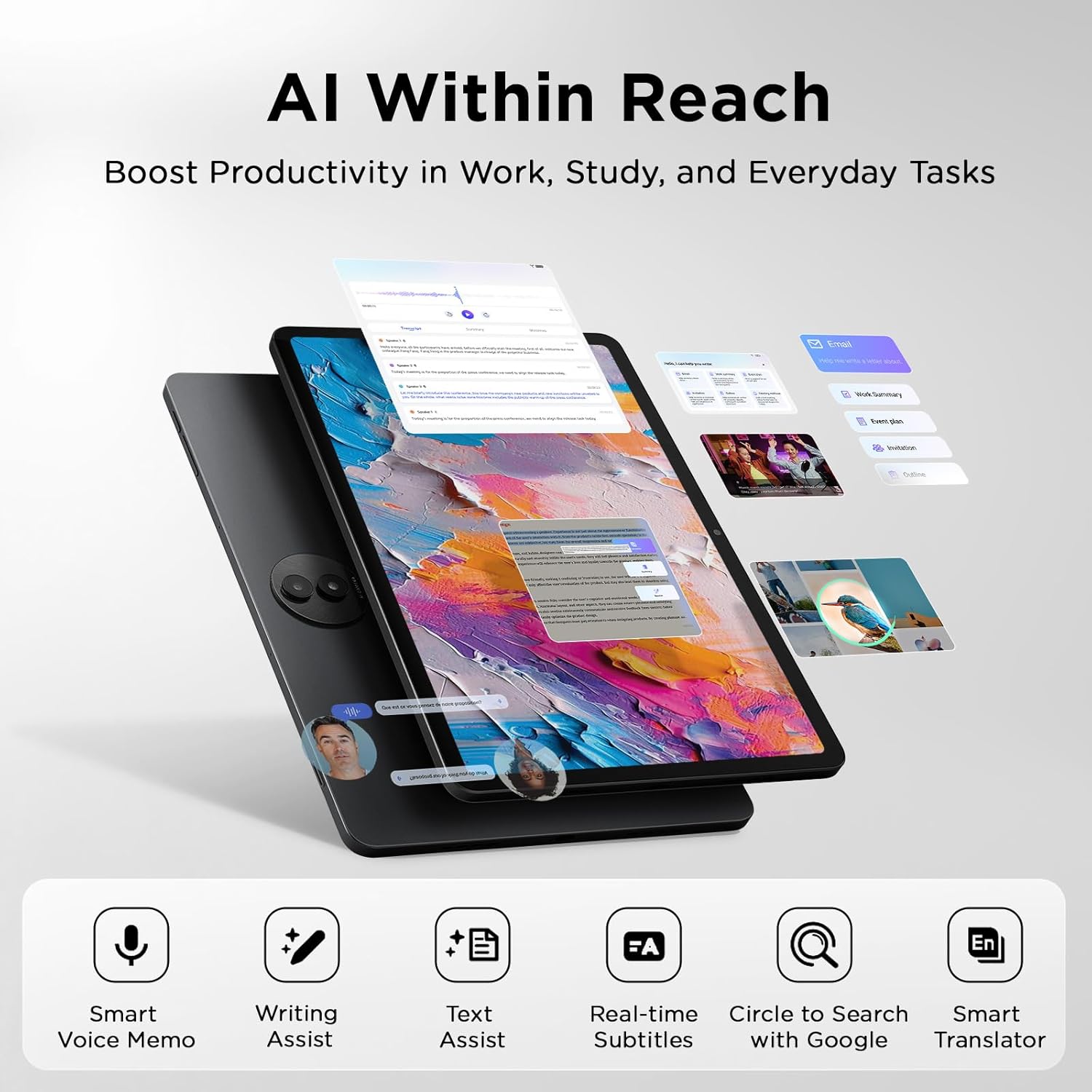
AI-Powered Productivity & Communication: The TCL NXTPAPER 11 Plus features a smart voice memo, real-time bilingual subtitles, writing and text assistants, and a smart translator — easily converting speech to text, improving your writing, and translating conversations and images to eliminate language barriers. Plus, “Circle to Search with Google” allows you to quickly look up information with a single tap, enhancing productivity for both work and study
3-in-1 VersaView Modes for Every Need: Switch between three display modes instantly with the dedicated NXTPAPER Key on the TCL NXTPAPER 11 Plus tablet. Regular Mode provides sharp, vibrant visuals for streaming, video calls and creating digital art. Ink Paper Mode transforms the screen into an e-reader-like display for extended reading sessions and note-taking. Color Paper Mode offers soft, low-saturation colors ideal for reading comics or magazines
Ample Storage & Powerful Performance: Capture family memories, download entire series, and save large work files—TCL electronics tablets with 256GB of built-in storage make it all possible. Enjoy smooth performance for daily use and demanding tasks with the MediaTek Helio G100 processor and 8GB + 8GB RAM expansion. Powered by Android 15 and TCL’s custom UI, it enhances productivity with features like screen mirroring, extended display, floating windows, and split-screen
Long Battery Life with Reverse Charging: The TCL NXTPAPER 11 Plus features a large 8000mAh battery, providing reliable power for a full day of studying, working, and entertainment. With 33W PD fast charging, it quickly recharges, reducing your wait time. Need to help a low-battery phone or earbuds? Simply plug in—1.5A reverse charging turns your Android tablet into a portable power source
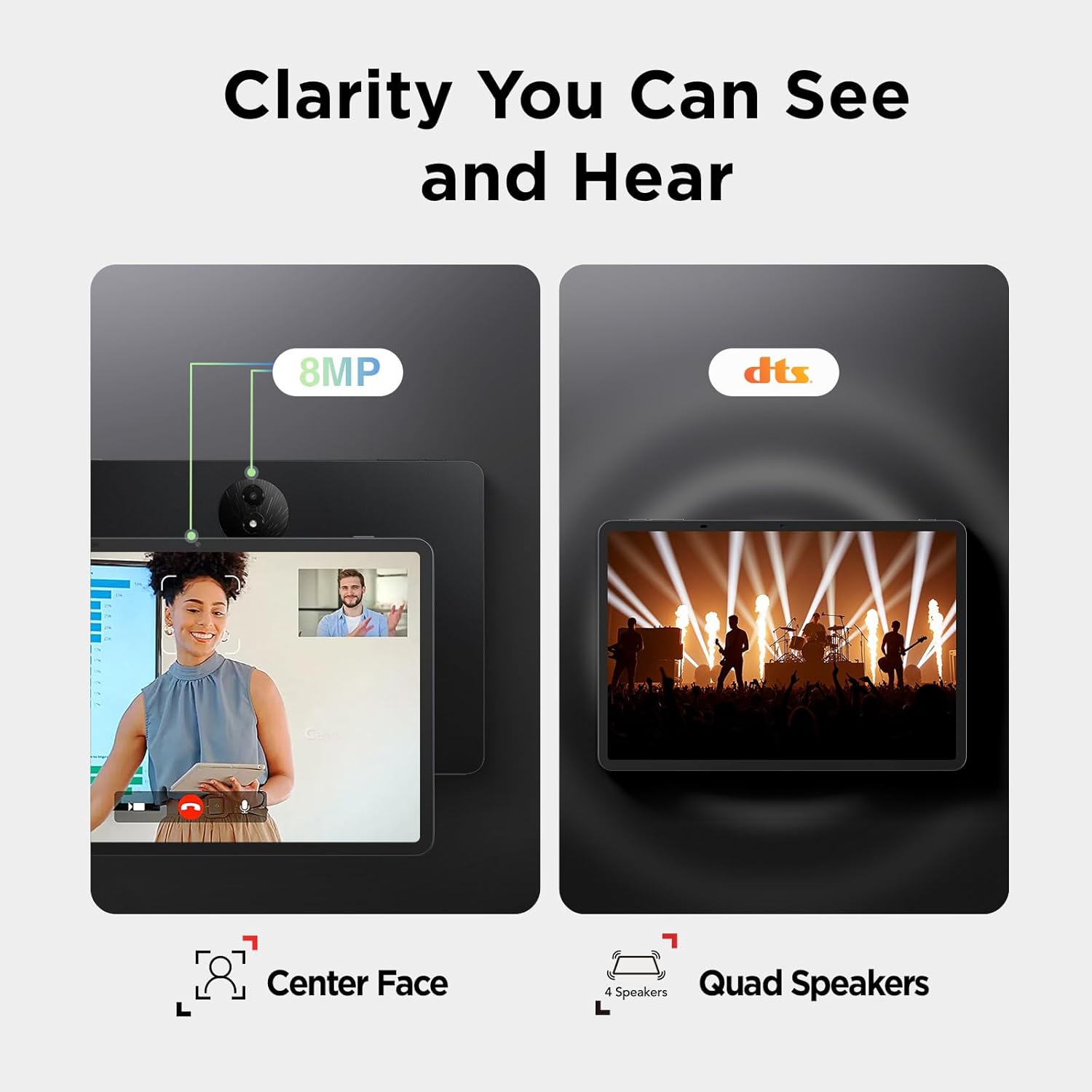
Vivid Visuals, Immersive Audio: The TCL NXTPAPER 11 Plus tablets feature 8MP front and rear cameras for HD video calls and everyday photos. Featuring CenterFace tracking, you stay perfectly focused even while moving. Quad speakers and dual microphones, boosted by smart PA and DTS audio, deliver deep bass and clear vocals. The Sound Booster function instantly boosts volume from 100% to 200%, enhancing your experience in movies, calls, and entertainment
Slim, Stylish, and Built to Last: With a thickness of just 0.26 inches and weighing only 1.08 lbs, the TCL NXTPAPER 11 Plus drawing tablet easily slips into your bag and feels lightweight in one hand. Its durable metal body withstands everyday bumps and drops, while the included adjustable flip cover doubles as a stand and provides all-around protection for safer, more convenient use
9 reviews for TCL NXTPAPER 11 Plus Android Tablet, 11.5″ 120Hz 2.2K Drawing Pad & Digital Notebook, Stylus & Flip Case Included, NXTPAPER 4.0 Display, AI Tools, 8+8GB RAM, 256GB Storage, 8000mAh Battery, Onyx Black
Add a review

$269.99
Luke Duffy –
Great value
Was a little nervous about the tablet given the price point. Before buying, Gemini suggested a more expensive tablet and faster tablet.I’m happy I stuck with this. The chipset is definitely powerful enough for what I use it for.It runs the full Microsoft and Google suite of apps no problem. No problems doing splitscreen or multi tasking. Easily can pan through large PDFs. Probably a little slower and choppier than the high end tablets but definitely not enough to bother me, especially sub $250.Makes a great digital notepad.I use it next to my desktop as an additional screen and run all my docs off of the cloud.YouTube/video runs smooth.Great screen for reading. Definitely could replace a Kindle.Camera is good enough for video calls. The cameras on pretty much any phone today will be better thoughSpeakers are serviceable.Talk to text works great. Has a nice suite of built in AI features.Happy I got the case. It makes a good stand
Hanbing W –
Great Tablet!
Really happy with this purchase. The screen is huge and super smooth when you’re writing or drawing with the stylus. It actually feels natural, not laggy like some cheaper tablets I’ve tried.The display is easy on my eyes, which is great because I use it for hours taking notes at work. The stylus comes with it, which saved me money since I didn’t have to buy one separately.I mainly got it for digital note-taking but I’ve been using it for sketching too. Works great for both. The picture quality is really clear and everything runs smoothly. For the price, you’re getting a solid tablet that does what it’s supposed to do. Would definitely recommend it!
Two Boston Terriers –
No fingerprints on this screen!
Love the matte screen, the auto brightness is quick and responsive, no preloaded garbage apps, excellent for reading. Best Android tablet I’ve owned. I thought I would use the stylus more but can’t quite get it working consistently (thus the 4 stars). Also we were at a hotel and watched the Celtics game on the tablet since we couldn’t get it on the TV. Actually very crisp and clear with no shake or lag it weird ghosting. I don’t know about the camera, haven’t used it, I mean do you even actually use a tablet’s camera for anything besides zoom?
Hammie Fraser –
Great tablet for reading and videos
I’ve been using the TCL NXTPAPER 11 Plus for a little while, and it handles everything I need. I can use it as a tablet, drawing pad, or digital notebook without switching devices. The 11.5″ 120Hz 2.2K screen is smooth, and the stylus feels natural when sketching or taking notes.The NXTPAPER 4.0 display feels a lot like paper, which makes long reading or writing sessions easier on my eyes. The brightness and color adjust depending on the light, which helps a lot. I’ve tried the voice memo, translator, and “Circle to Search” features, and they make things faster. I can take notes, translate in real-time, or look up information without switching apps.I use Regular Mode for videos, Ink Paper Mode for reading and notes, and Color Paper Mode for comics. One device can do all that without feeling awkward. With 256GB storage, extra RAM, and the MediaTek processor, the tablet handles multitasking pretty well. The 8000mAh battery lasts all day, and fast charging gets me back to full quickly. I’ve even used it to charge my phone, which is convenient.
Karl –
Works great for everyday use
I’ve been using it for a bit now, and it’s been solid. The screen is easy on the eyes and feels smooth when scrolling. Apps open pretty quickly, and the battery easily gets me through the day. It’s lightweight, the build feels good, and everything works the way it should. Nothing to complain about for the price — it’s a great everyday device.
Ali –
Great tablet, screen and stylus
It’s fast, the different screen modes and the screen design make everything crystal clear with no glare. Even though you have to recharge the stylus it works flawlessly with the device and the handwriting recognition even recognizes my handwriting. This is one of the best tablets I think I’ve ever owned.
Amilcar P. –
Buena compra, múltiples usos, para actividades en el trabajo ayuda a tener las cosas más ordenadas con las notas, con la IA, muy buena recomendacion
kwangkyu –
Wow… this one works on AD… great product especially for ebook reader.
Carles –
Para leer documentos pdf y escaneados como en el ipad, incluyendo la posibilidad de aumentar o disminuir su tamaño con los dedos, pero sin las molestias en los ojos y dolores de cabeza provocados por la luz azul.