

Digital Calendar Touch Screen 10 Inch, Electronic Calendar Chore Chart with 1080P Interactive Touchscreen for Family Monthly/Weekly/Daily Planner, Smart Calendar with Desk Mount – Black
$99.98
Related Products




Product description


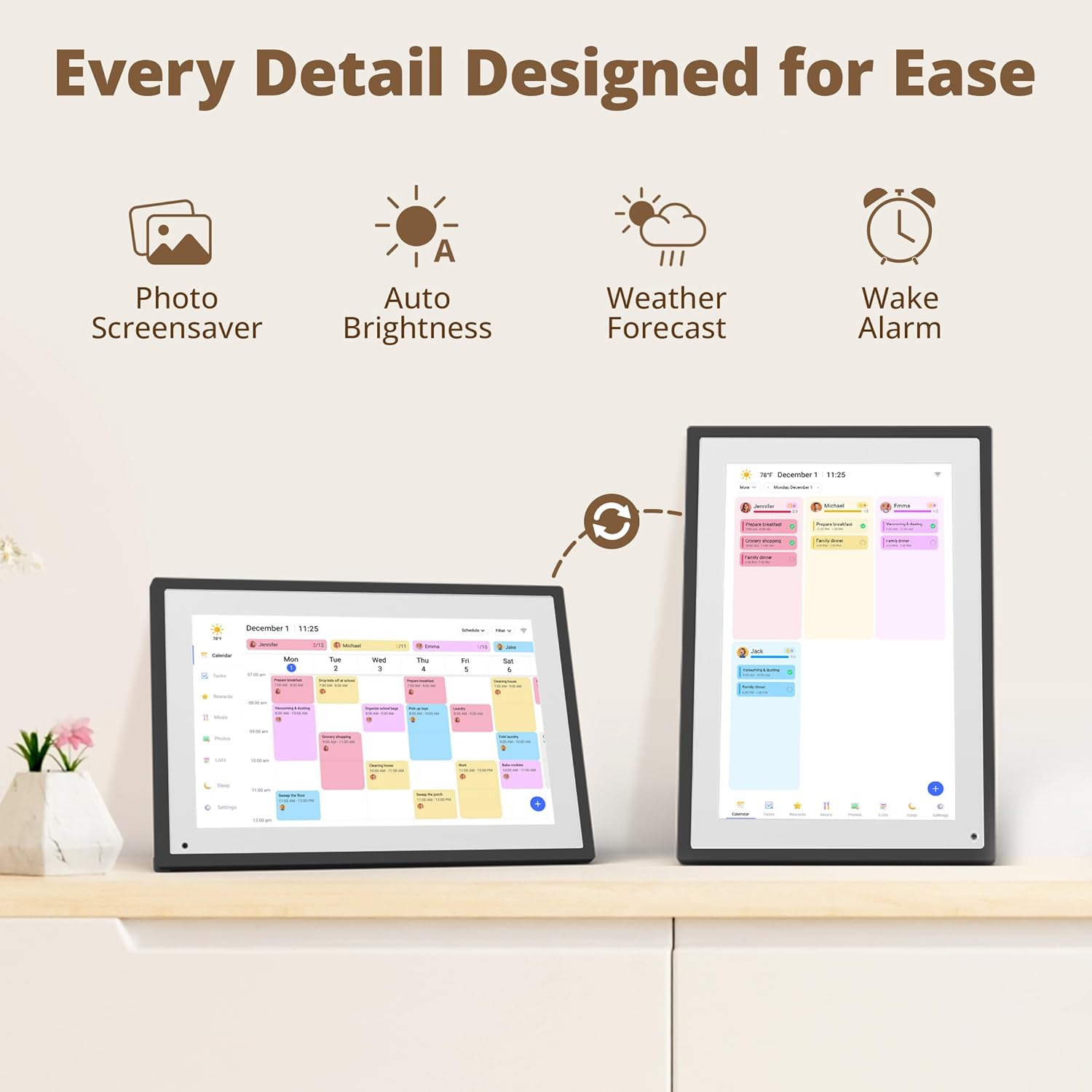
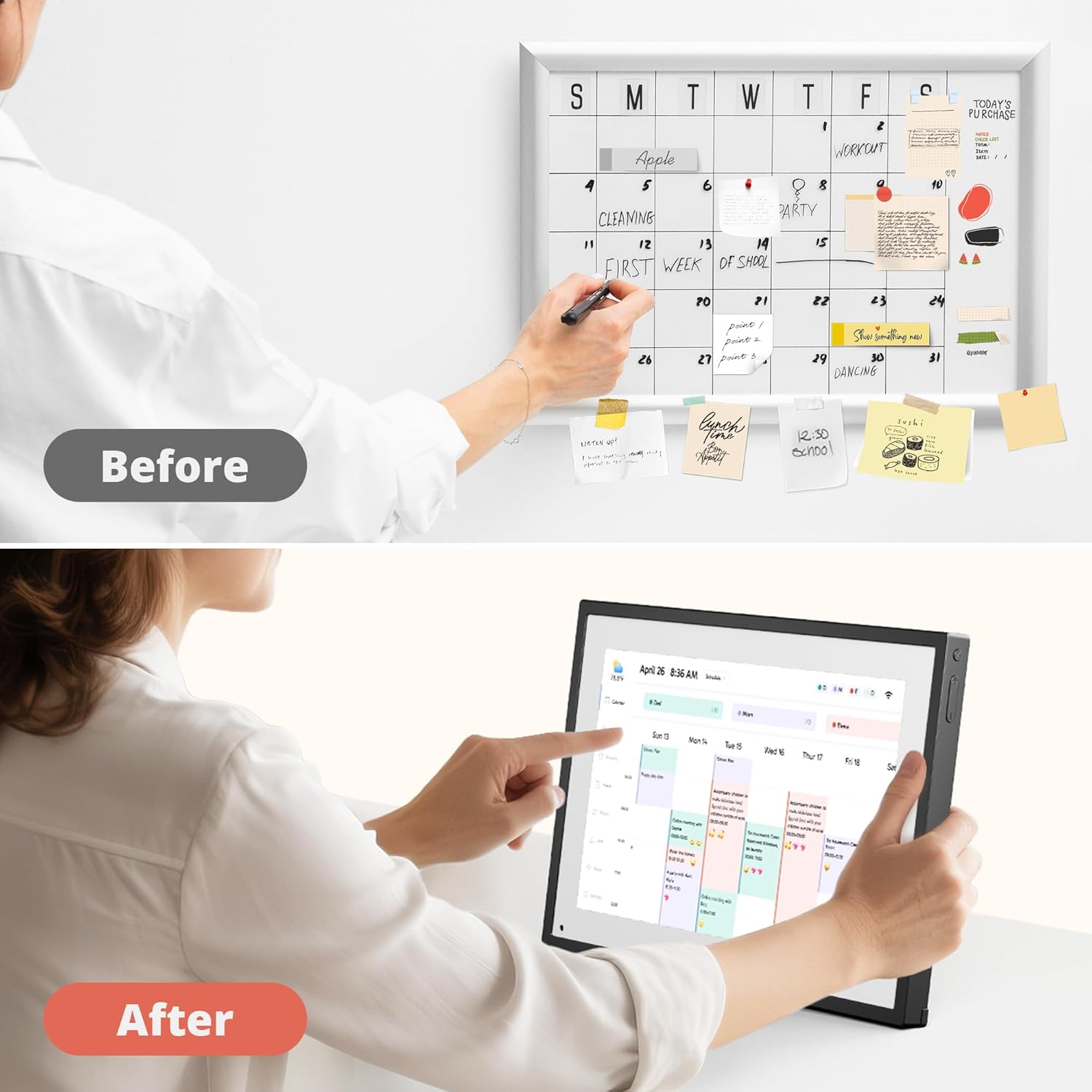
All-in-One Family Organizer:10” touchscreen digital calendar simplifies family scheduling. Create events by role or events, switch between daily, weekly, and monthly views effortlessly. Ideal for syncing everyone’s activities, from school events to work meetings
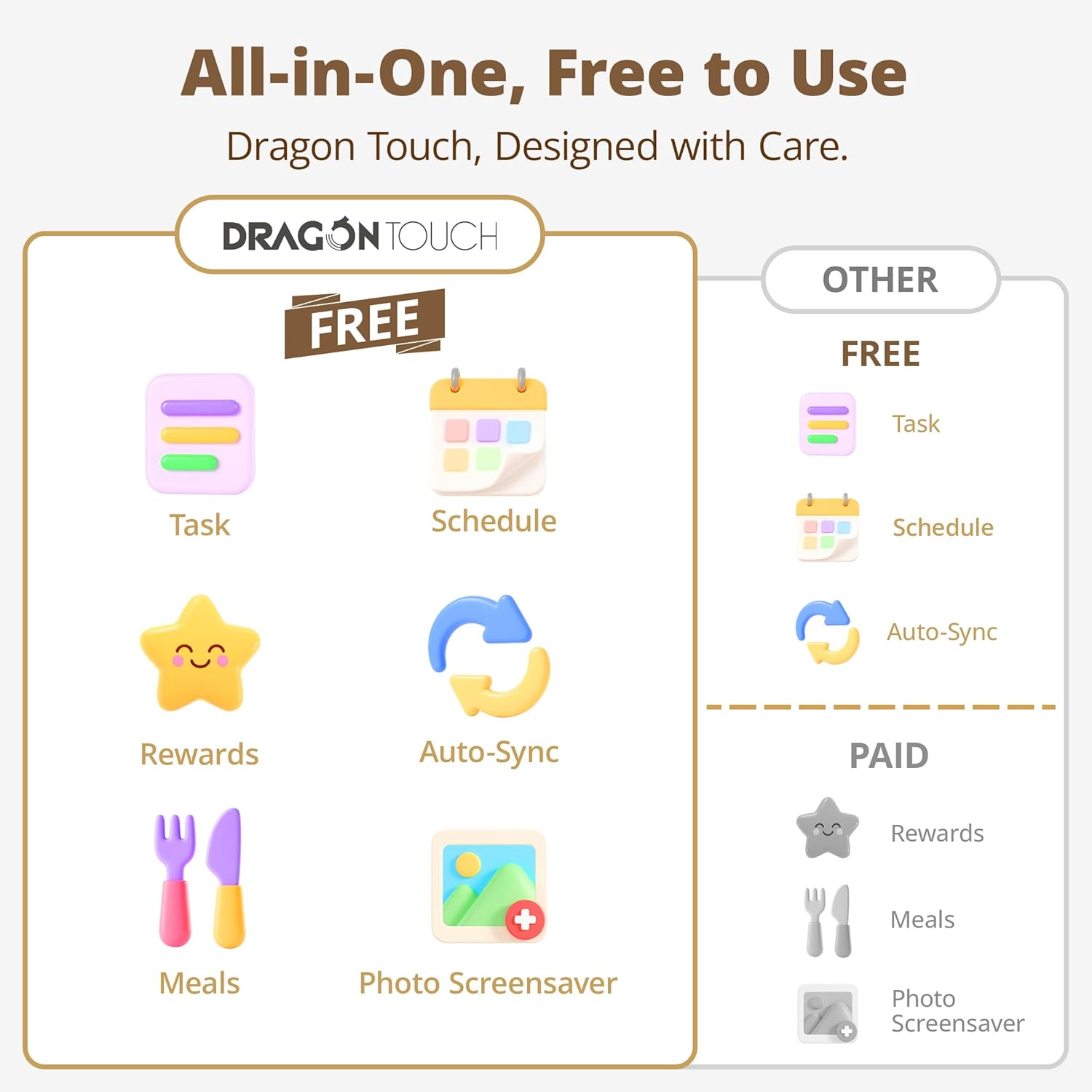
Interactive Task & Reward System:Boost family participation with customizable task and reward interfaces. Assign chores, set goals, and award stars—turn responsibilities into fun challenges that keep kids and adults motivated. Smart desk calendar for smart family life
Flexible Cross-Platform Sync Options:Wirelessly sync with Google, Yahoo, and other major calendars via the dedicated app, with the freedom to choose whether to share your schedule or keep it private. Update changes instantly across all devices, ensuring your family stays coordinated while maintaining control over your privacy
Dual-Purpose Space Saver:Beyond scheduling, enjoy 32GB of storage for digital photos. Transform electronic calendar into an electronic photo frame, displaying cherished memories when not in calendar mode. Sleep function saves energy between uses
Effortless Setup, Lasting Convenience:Intuitive touch controls make navigation easy for all ages. Compact yet feature-rich, this calendar planner streamlines family life, helping you manage time, share schedules, and create routines with ease
10 reviews for Digital Calendar Touch Screen 10 Inch, Electronic Calendar Chore Chart with 1080P Interactive Touchscreen for Family Monthly/Weekly/Daily Planner, Smart Calendar with Desk Mount – Black
Add a review

$99.98
Daren Dong –
A Personal Assistant
This e-calendar has been an absolute game-changer for my organization and productivity! It helps me and my family to know what to look forward to in the upcoming events and plan our schedule together without confusion.I bought a 10” E-Calendar as a family event planner and a single point scheduler to centralize everyone’s proceedings. The package was nicely done. No missing pieces and well packed with good operating instructions on how to get started. I asked my kid to get it down and connect to WiFi; therefore, you know how easy it is. After downloading the “eCalendar” App and entering the activation code, I was able to communicate with the device, and it pulls events automatically from all my calendars (Google and Outlook). It updates in real time. Very smooth syncing.The device looks solid and sturdy, and just like a photo frame. I believe it’s a high-quality product, not a cheap plastic toy—a great addition to the family desk. It is not the lowest-priced product, but I feel it is worth the money. You need to connect it to the power source because it does not have a built-in battery. It has a touch screen feature.In addition to the intended features of the event planner, it also provides weather information, organizes meal planning, sets chore reminders, creates a grocery list, and offers rewards for completing tasks. Of course, it can display photos and play videos. You may use it in both horizontal and vertical modes. It will rotate automatically. Please note that you need to use the App to upload photos and videos to this device. The App is simple to use. However, you need WiFi for all the communications with this great device.This eCalendar exceeds my expectations with all the robust features. I appreciate the slide show with all the family photos. I also like the product quality.
Brandon J –
Perfect family planner and showcase
We love this picture frame and calendar! It’s one of those things that looks cool, and in practice, is way more useful than we imagined.It was pretty easy to set up and download the companion app, and within minutes I was able to sync my calendar and my photo albums. In the app, I created a couple albums to highlight our travels, our wedding, and our pet. The calendar gives quite a few options for connections, but since I use mostly Apple products (iPhone, watch, etc.) I decided to sync my iCalendar. It was a breeze and updated really quickly. I’ve started to connect my wife’s calendar too, so now we have a shared at-a-glance look at our week and travel plans.The photos are incredible crisp too. It has a screen quality similar to a current-gen iPad. We have it displayed horizontally, and it adjusts vertical pictures to have a nice blur behind it that looks intentional as opposed to a black box or bars.The 10 inch size is perfect for our end table, and it’s bright and visible without being too obtrusive.We’ve had it for a while now, and it’s been in perfect working order. Excited to try out some of the other features, like the chore chart to keep track of our family tasks, too!
Petro –
Great product for a fraction of a cost
The Dragon Touch 10” Digital Calendar is a sleek, easy-to-use smart display that keeps your schedule clear and organized. Large bold text, simple setup, reliable reminders, and photo frame features .Stylish, practical, and worth every penny.The screen is clear, reminders are dependable, and it even shows photos. Great little device for staying organized without the hassle.
vinny –
Good! Quality construction, challenging start…
The DragonTouch e- Calendar is an impressive and thoughtfully designed product. I appreciate the sleek packaging and the high-quality frame, which allows it to double beautifully as a digital photo frame when not displaying the calendar. The layout and display design are modern and user-friendly, making it an attractive addition to any home or office space.The ability to share and sync family calendars can make coordinating schedules much more efficient and convenient. This functionality can be especially helpful for keeping everyone organized.However, I did encounter some difficulty when uploading calendars initially. A more streamlined or intuitive upload process would make the overall experience even better.Overall, the Dragon E Calendar is a great tool for both function and style—ideal for families or professionals looking to stay connected and organized
IJ Review –
Our Fave Digital Calendar
We were trying to look for a way to keep our family organized. We looked into the other digital calendars out there and the price you pay for the size of the calendar was not worth it. You also have to pay a subscription fee to use the calendars for specific features. We decided to go with Dragon Touch and have not regretted our decision. We love how easy it is to add everything to the calendar. We got the white Calendar and it looks great on our wall! The Size of the calendar is excellent for the price and makes it easy to read the calendar clearly. We love the different features on it. We love how we can sync our Apple calendar to this, we love how we can assign our kids chores and responsibilities. We love that we can put to do lists and especially shopping lists. They can be checked off on the app while shopping. We love that you can add recipes and plan your meals out for the week. It makes our week run smoothly. We love that we can give stars as rewards when chores and responsibilities are finished. They can redeem these stars for rewards. You could put whatever you want, but we mainly use it for time on their electronics. Again, we love how many features we have access to without having to pay a subscription. We really love this calendar and would recommend it to friends.
Christophe Oneyser –
Average product and software
FEB –
Good set of featuresMissing a battery to not plug in constantly
Paulina –
Increíble me ayuda a organizar mi día a día, y además si no ocupo la agenda puedo ir pasando el álbum de mis fotos favoritas
Sara –
For kids or family member profiles I’ll need to create an account for them with each different emails and then link it to the device for them to use it , icloud mail is not supported
Kindle Customer –
Great product. But had an American plug. Soon remedied though. Xxx