

SAMSUNG 32″ UJ59 Series 4K UHD (3840×2160) Computer Monitor,VA Panel, HDMI, Display Port, Eye Saver/Flicker Free Mode, FreeSync, LU32J590UQNXZA, Black
$283.00
Related Products

![JSAUX FlipGo Pro 16″ Dual Portable Monitors, 2.5K Triple Laptop Screen Extender, Portable IPS Dual-Screen Monitor for Laptop[for Windows/Linux/macOS] One Cable to Dual/Magnetic Design/DisplayLink](https://everyday-tech.co/wp-content/uploads/2026/01/71iAduQ8LJL._AC_SL1500_.jpg)


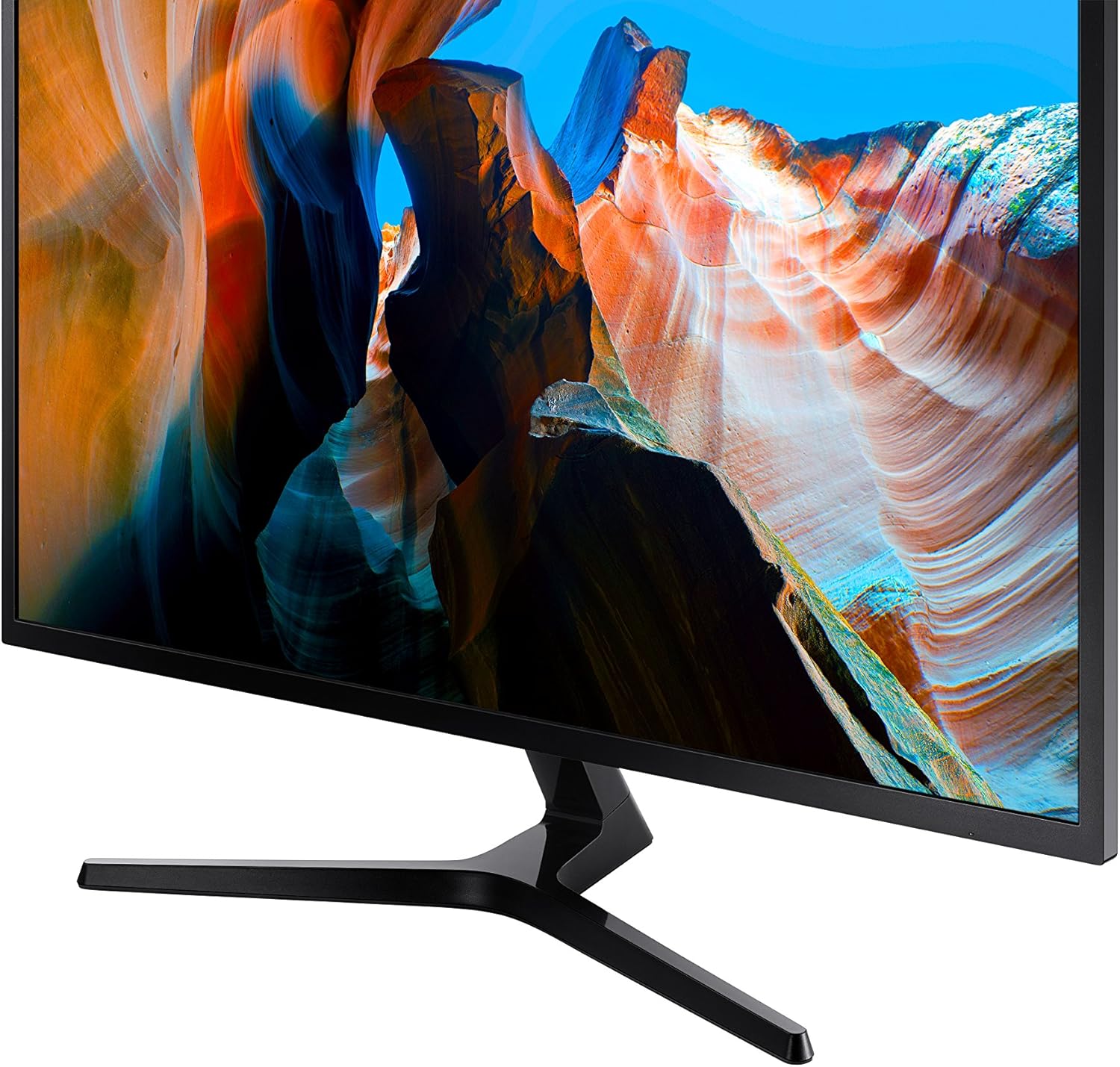
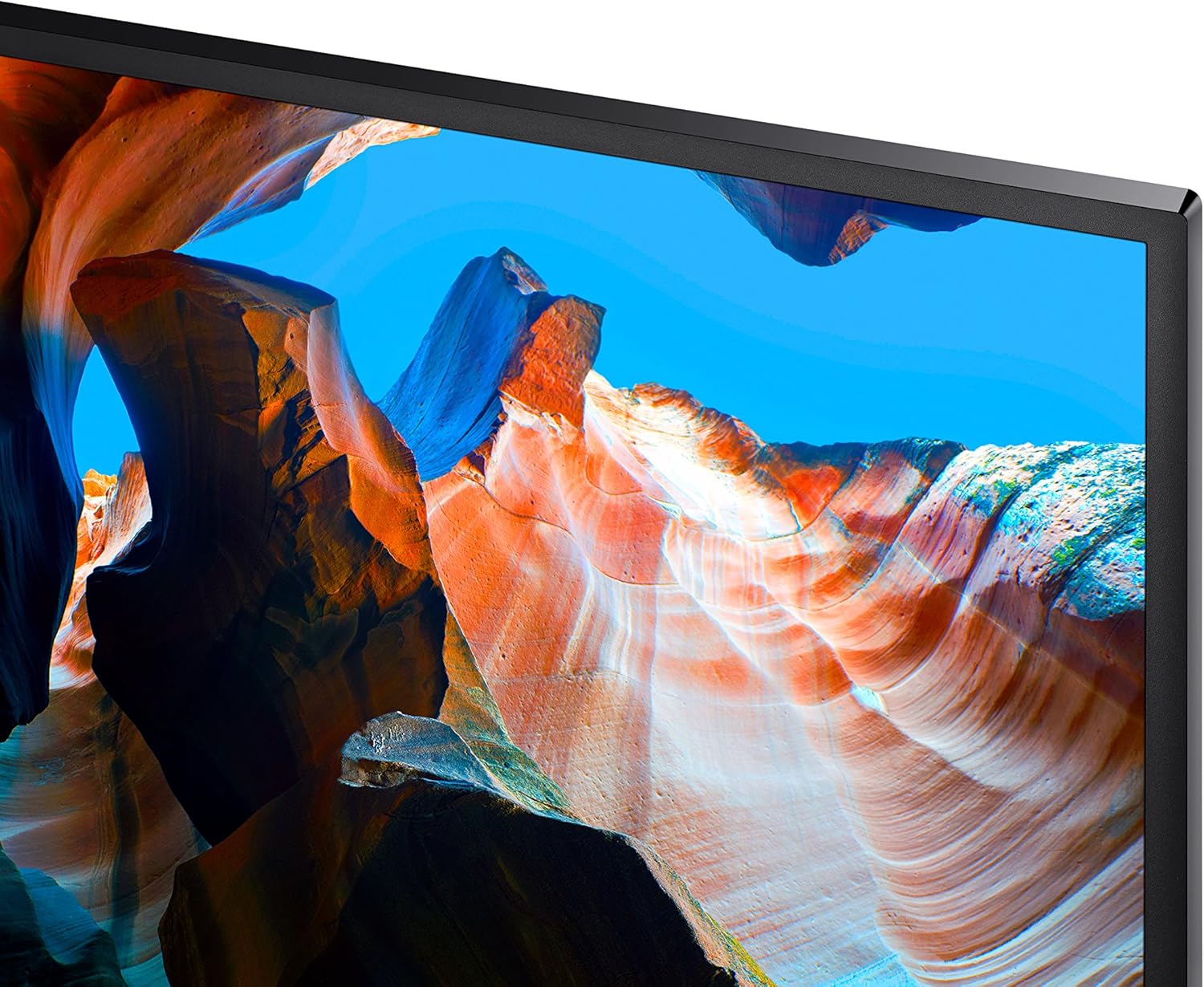


Bring your gaming to the next level with the Samsung 32 Inch UJ59 UHD 4K Gaming Monitor (LU32J590UQNXZA) that offers breathtaking picture quality like you’ve never seen before, greatly enhancing PC viewing, gaming and more. Thanks to over 8 million pixels that support a rainbow of colors (over one billion shades!), this 32-inch UHD computer monitor gives you widescreen 4K gaming that makes this PC monitor more of a gaming TV. Samsung’s 32-inch computer monitor offers immense power, letting you connect not one but two devices to your 4K monitor while maintaining the optimal quality in each, thanks to two HDMI 2.0 inputs. Watch your favorite shows, sports and more while not missing out on a second of your gaming thanks to split screen function like Picture-by-Picture viewing. You can resize the second source up to 25% of the screen and position it wherever you like. True gamers will love great features of Samsung’s 4K monitor like Game Mode, which optimizes your monitor to offer you the edge you need during competitive gameplay. Game Mode boosts contrast, letting you see details in dark areas like you never have before. Spot your enemies faster and win the match, thanks to Samsung’s 32-inch 4K UHD monitor.
WIDESCREEN UHD: With 4x the pixels of Full HD, get more screen space (vs 16:9 screen) and UHD images; View documents & webpages w/ less scrolling, work more comfortably w/ multiple windows & toolbars, and enjoy photos, videos & games in stunning 4K
A BILLION COLOR SHADES: Supporting a billion shades of color, the UJ59 delivers incredibly vivid and realistic images; Its color accuracy means colors appear true to life, making the UJ59 ideal for photo, video and graphics applications
SEAMLESS UPSCALING: Samsung’s UHD upscaling technology includes signal analysis and detail enhancement that seamlessly upconverts SD, HD and Full HD content to near UHD-level picture quality
WIDESCREEN 4K GAMING: With 8.3 million pixels supporting a wide range of colors and resolving every image with astonishing clarity, UHD gives you a wider view for a truly thrilling and immersive gaming experience
SMOOTHER GAMEPLAY: AMD FreeSync synchronizes the refresh rate of your graphics card & monitor to reduce image tear & stutter; Low Input Lag Mode minimizes the delay between mouse, keyboard or joystick input and onscreen response for smooth gaming
GAME MODE: Game Mode instantly optimizes screen contrast to give you a competitive edge during gameplay; By selectively boosting contrast in scenes, Game Mode reveals more detail in dark areas to let you spot your enemies faster
POWERFUL MULTITASKING: Picture-by-Picture (PBP) lets you connect to 2 devices to the monitor and maintain their original quality; With Picture-in-Picture (PIP) you can resize the second source to up to 25% of the screen and position it anywhere
SLIM BEZELS: Framed by slim screen bezels and finished in stylish matte black, the UJ59 sits elegantly on virtually any desktop; And its Y-shaped stand provides a firm footing and a refined metallic touch
11 reviews for SAMSUNG 32″ UJ59 Series 4K UHD (3840×2160) Computer Monitor,VA Panel, HDMI, Display Port, Eye Saver/Flicker Free Mode, FreeSync, LU32J590UQNXZA, Black
Add a review

$283.00
Dave –
SAMSUNG 32″ UJ59 Series 4K UHD – We love it.
We’re only using it for a dedicated monitor for 1080P video from a DVR but has a super picture.It was easy to assemble and setup. As usual, great Samsung Quality.HDMI and DisplayPort connections.It’s a good value for the money.
John Spags –
Great for office work, etc. I would not say a great gaming monitor
I don’t play too many games on the PC this is on. But it’s not the fastest refresh, so I probably would not buy one for that.That being said, I’m not putting this down at all! It’s an awesome monitor. I HAD a great gaming monitor with a curved screen this replaced. I don’t need 240 Hz refresh rate or whatever. I play drums, and this is the monitor I use to play along to sheet music on the screen mostly. But my eyes weren’t what they were. I run it at half the resolution it is capable of, because I want everything LARGE. I need to see the music notes clearly. I also need nice big clear text. The visual difference when I got this monitor after using the last one for 2+ years for this, was astonishing. Everything was clearer and sharper. Text is crisp. Video play back is awesome. This isn’t the best of the best in monitors, but in this price range, this size, well I’m glad I picked this one. Sturdy as hell. You can see and feel the build quality. Colors are vibrant but not (to me) inaccurate. And I’m sure it works great for gaming! But not what I would pick for gaming, as I would want a faster screen refresh rate. For my use the refresh rate is way more than I need.
Duraldian –
Great Monitor!… But… I have reason to believe these are not new, but refurbished screens..
First, you should know, I used to work as a “verified technician” and did repairs on all sorts of Samsung models in the past. If you get an item on arrival that is dead, do not try to go through Samsung, Deal with Amazon first. Now, if this messes up in the future, you may have to deal with them. You don’t want this.We were trained to come up with any excuse to say it isn’t covered in warranty and make you pay for repairs. So follow the directions on unboxing them to the letter. Hold it right, put a blanket underneath when taking it out of the box, etc.My first monitor was dead on arrival. It had power, but nothing came on the screen. This had a protective film on the screen.My replacement monitor, that worked, did not have the screen protector you peel off. This suggests to me that Samsung has an overstock of these monitors, are not checking the quality before shipping them out.That being said, let amazon handle the return/replacement process if you get something out of the box that doesn’t work, they’re really great that this!This monitor though, gotta say, awesome for the price (when I got mine that worked). Yes you need to adjust the settings, otherwise it won’t look right. HDR looks great (when set up correctly, but a lot of people think it’s just a toggle, there’s more to it then that).I bought this for gaming and I love how crisp things look. It’s easy to assemble, nice size for a small desk. All I wanted was a 4k monitor, as mine was just an old one that only did 1080p. If this is what you’re looking for, take a risk, but buyer be warned.My worry is in the future I will have some issues, but for the price, it’s good (if you get a good one).These are not new monitors. no way they are, they have all the signs of refurbished ones, and a huge overstock at Samsung, hense the 44% discount or whatever.Apparently they don’t work on Macs or apple products, according to the reviews, but this worked perfectly with my NVIDA on PC.Again, it will not look right at first, too dark problem, colors off. you have to go in the settings and tweak it, but if you’re not afraid of a lil work, and you just want an upgrade. Perfect choice here!I will update this review if it turns out it’s a lemon in a few months or something.
Kanwal Merchant –
Money worth Spend
when It is 4 K Samsung It is Perfect Match Monitor For a 4 K 16 MP survailance System. Missing Remote.
Amazon Customer –
Returning. Multiple problems with the monitor
I bought this monitor for my Mac Mini M4 pro. It arrived with a couple of dents on the base of the stand and its frame. There were also two tiny areas of dead pixels on the screen. But worse than that, the audio never worked. I checked the HDMI connection, audio output settings of the mac, and reset the mac and monitor a few times. Nothing helped with the audio.And the last problem was that I could not adjust brightness of the monitor when HDR is off. Both in the mac and the monitor menu itself, the picture adjustment settings get disabled when HDR is off. When I turn on the HDR, the picture and the colors get distorted. Margins of icons get murky. So there is really no way to get both brightness adjustment and good picture quality at the same time. I spent a lot of time to make that I am not missing anything in the mac and monitor settings that could resolve the picture problem. It seems like there is a software issue with the monitor I’ve purchased. I am returning the monitor and will get another pricier one. This monitor was the cheapest I could find with these specs (4K, 60 Hz, 27 inches), but I guess that comes with some corners cut.
David C. –
Stunning 4K Clarity and Great Value
The SAMSUNG 32″ UJ59 monitor delivers incredibly sharp 4K detail with vibrant colors and a clean, spacious display. The VA panel offers deep contrast, making everything from work to streaming look fantastic. Setup was simple, and the large screen real estate is a huge productivity boost. For the price, the performance is outstanding — a great upgrade for any workspace.
Annie –
Love it! It is a monitor to be used in my office.
Saúl Morales –
Llevo mas de dos meses con este monitor, lo compré para mejorar el 1080p que tenía de la misma marca Samsung, ya que el menú es el mismo y el joystick para navegarlo también, teniendo tan buena experiencia con ese me animé con este monitor 4k, es obvio que la mejora en la imagen se iba a notar, esta increíble jugar así, tengo una tarjeta gtx1060 y los juegos los pongo en 2k para ir a no menos de 45fbs con todo en alta, me encantan los colores y el brillo, las peliculas en 4k se ven muy bien y para multitasking en el trabajo no hay nada mejor, estuve mucho tiempo pensando entre comprar este o un ultrawide de 34″ pero además de que esos son mas caros tienen menos pixeles que los 4k, cabe mencionar que 32″ es la resolución perfecta para monitores 4k porque es la mejor forma de aprovechar el espacio de monitor sin notar los pixeles.Como dato extra debo resaltar que aunque el instructivo lo indica en una parte algo dificil de ver, la lógica me dicctó que conectara el hdmi, que viene incluido, en el puerto 1, estuve un par de días usandolo así y notaba que aunque el monitor me decia que iba a 60fps yo no veía tal fluidez y me di cuenta que era porque ese puerto iba maximo a 30hrz, debe de conectarse al puerto 2 para ir a 60hrz en 4k.Hubiera sido perfecto que incluyeran un cable displayport, voy a tener que comprarlo si quiero usar la función de AMD freesync con mi tarjeta nvidia.otra cosa es que el unico defecto que encontré es que el conector de alimentación queda muy flojo en el puerto del monitor, no he tenido problemas de que se desconecte como tal porque no toco los cables de atras pero si se atropella por alguna razón se safa muy facilmente.
Nestor Campos –
Excelente monitor, resolución óptima para trabajar con más “espacio”, los modos de color son buenos.Puntos a mejorar, tiene un solo puerto HDMI, 2 USB y la base solo rota en horizontal a lo largo del monitor. Estaría bien más puertos y rotaciones.
MASHKOOR KHAN –
Screen is broken
gplain –
Absolutely worthless. Feel and construction cheap cheap cheap. Sound quality was horrible with my ASUS ROG. They could not get along at all. Expected much much more from Samsung. What a letdown. Will try to return