

Powered USB 3.0 hub, 11-Port USB Hub Splitter Extension 7 USB 3.0 Data Ports + 4 Smart Charging Ports with Individual LED On/Off Switches and 12V/3A Power Adapter for USB Devices.
$30.99
Related Products





Product description


Vantisan 11-Port USB 3.0 Hub
· 7 USB 3.0 Ports
· Individual ON/OFF Switches
· Stable Output
· Wide Compatibility
· Fast Charging
· Intelligent Protection
7 USB 3.0 Ports
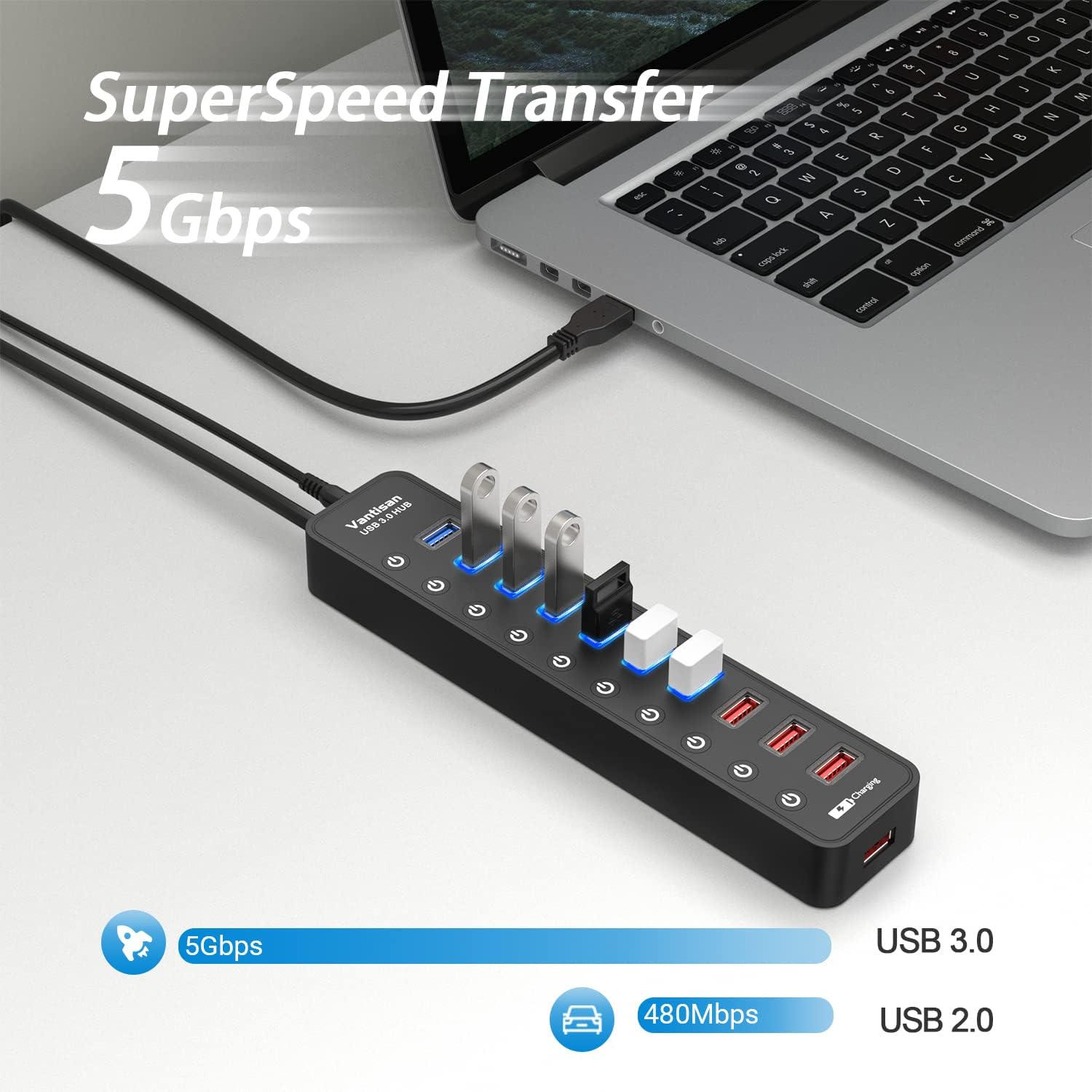
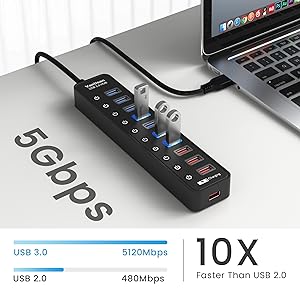
USB 3.0 ports can instantly sync music, photo and video in 5Gbps data transfer speed, greatly improving your working efficiency. And suitable for connecting USB devices such as keyboard & mouse, hard drive, USB flash drive, printer and more.
Individual ON/OFF Switches
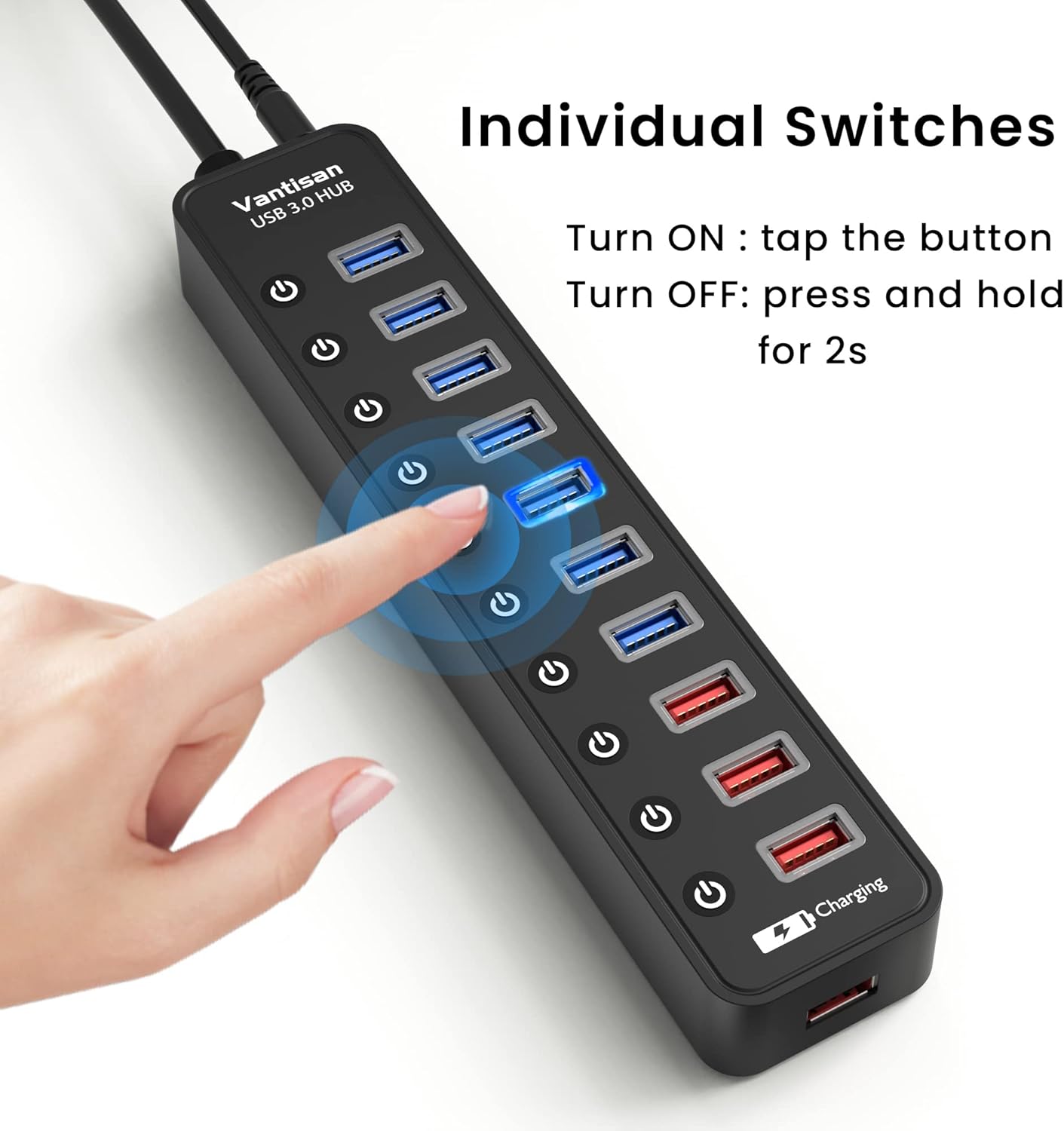
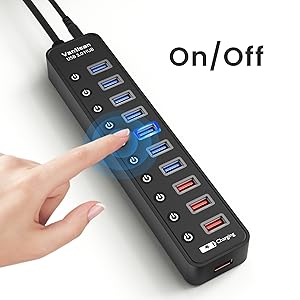
With these independent switches with LED indicators showing the working status, you can turn on or off the USB port without unplugging the equipment and manage your devices more rationally while protecting them from damage.

Stable Output
Features a 12V/3A power adapter for a strong power supply and ensures safe and steady data transfer, you can use more power-hungry devices simultaneously with more stable performance.

Wide Compatibility
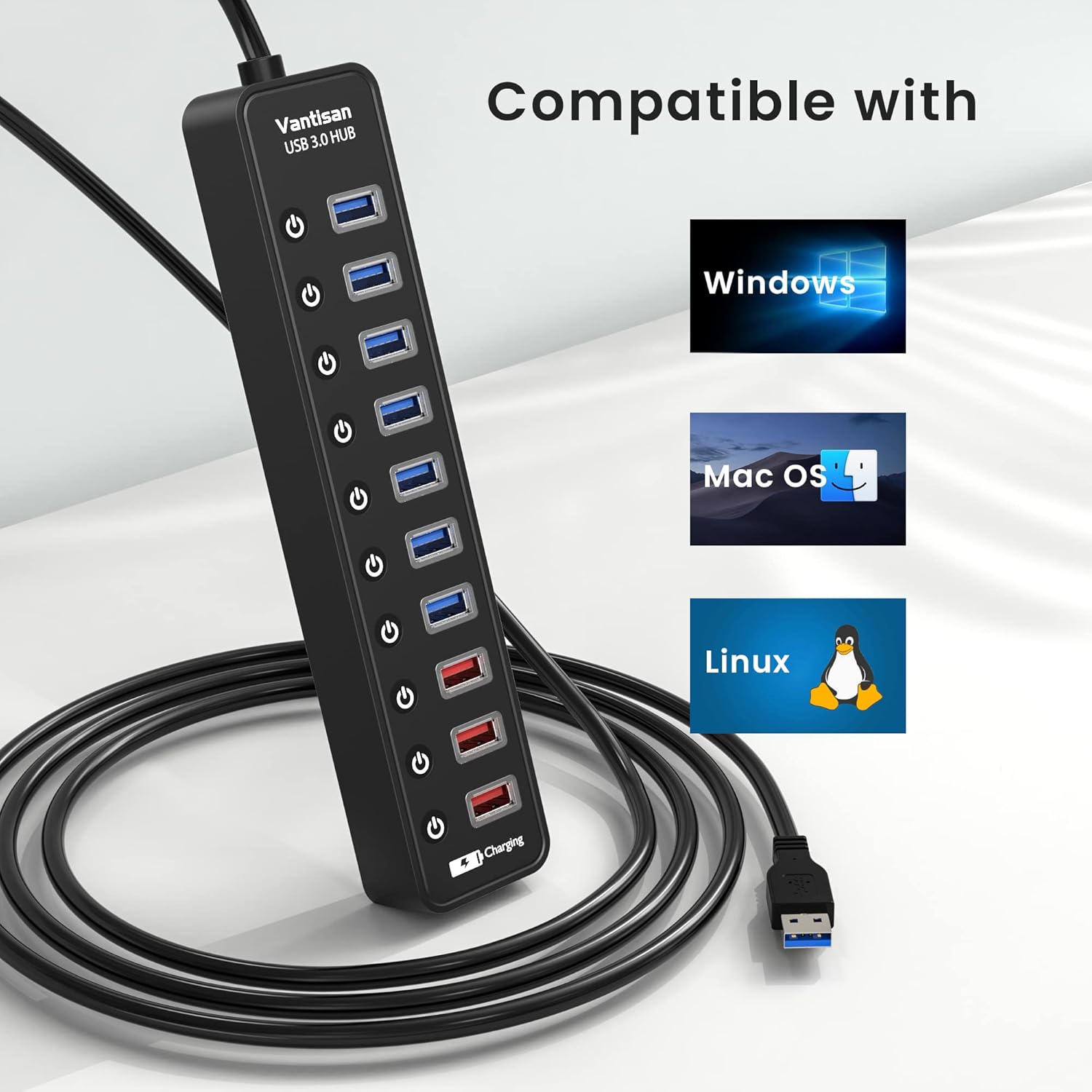
Compatible with most operating systems: Windows 11/10/8/7, Mac OS UNIX, Linux 2.6.14 and above. No need to install any drivers, plug & play and hot-swappable.

Fast Charging
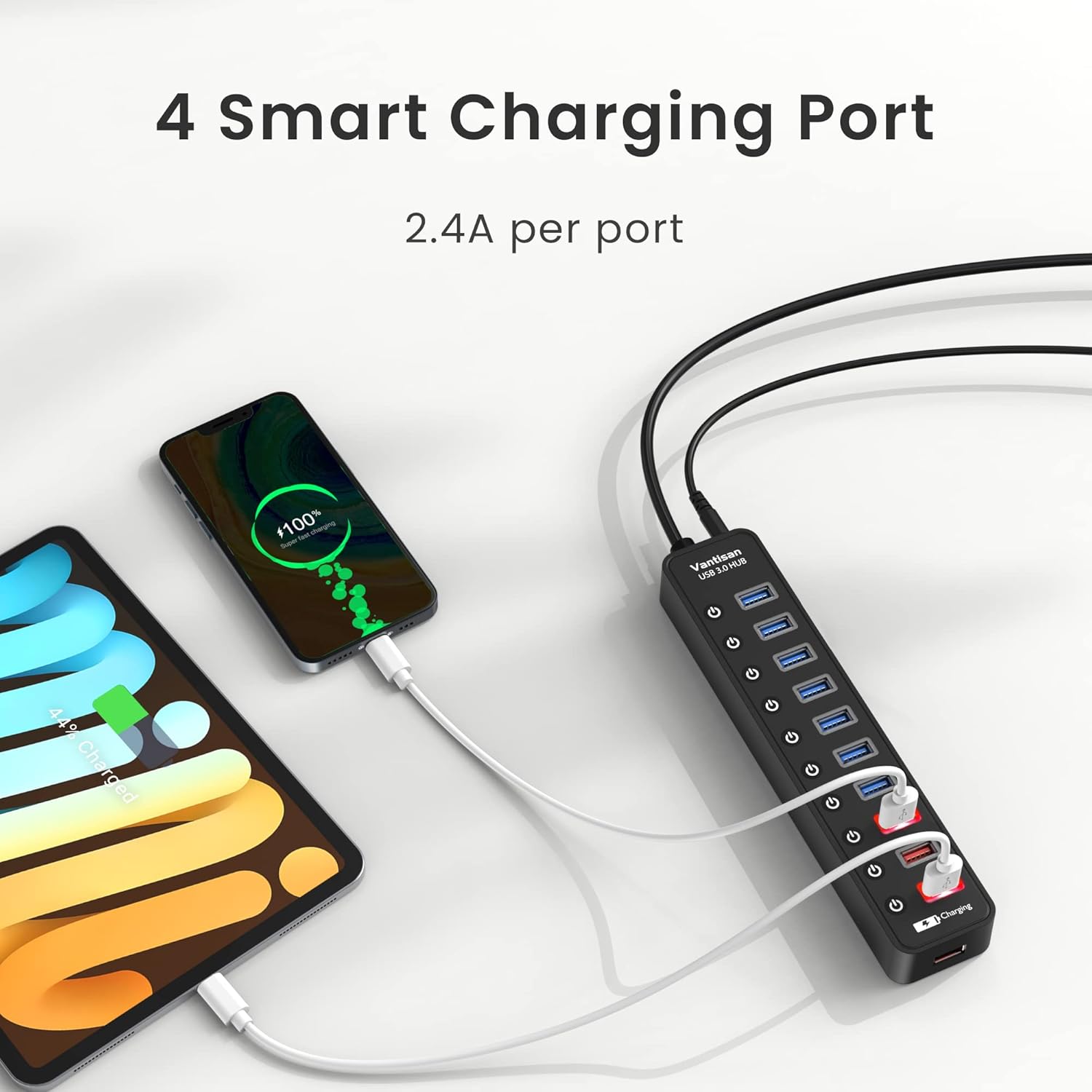
The USB extender with 4 fast charging ports allows you to charge cellphones, tablets, cameras, speakers and more. It can deliver the optimum charge at speeds up to 2.4Amps per port, supporting charge without interfering with data transmission.

Intelligent Protection
Equipped with an advanced chip as built-in surge protector, providing over-current and over-voltage protection to ensure the security and durability of this powered USB hub.

Specifications
Product Name 11-Port USB 3.0 Hub Brand Vantisan Net Weight 385g The length of the Cable 1000mm Product Dimensions 210*46*23mm Package Content USB Hub/USB Cable/Power Adapter/Instruction Manual Product Material Plastic+ABS Power Adapter 12V/3A Applications Home and office computer users/Game players/ Live Stream
USB Expander: Powered USB hub expands 1 USB port to 7 USB 3.0 ports and 4 charging ports for keyboard, mouse, printer, hard drive and more USB peripherals simultaneously. With a 12V/3A power adapter for stable connection
SuperSpeed Transmission: Synchronizes data at speeds up to 5Gbps, 10 times faster than USB 2.0, HD photos, videos and large file transfer can be done in a flash. Backward compatible with USB 2.0/1.1
Individual ON/OFF Switches: Designed with independent switches for separate control with LED indicators to show the power status immediately, you can turn the power on and off directly and avoid the trouble of repeat plug/unplug
Smart Charging: Features 4 fast charging ports to deliver the optimum charge at speeds up to 2.4Amps, providing superfast charging power to your cellphones, tablets, cameras and more to meet multiple needs in one hub
Wide Compatibility: USB 3.0 Power hub is compatible with Windows 11/10/8, Mac OS, iPad OS, Linux 2.6.14 or above, no need for installation of any drivers, plug and play and hot-swappable
7 reviews for Powered USB 3.0 hub, 11-Port USB Hub Splitter Extension 7 USB 3.0 Data Ports + 4 Smart Charging Ports with Individual LED On/Off Switches and 12V/3A Power Adapter for USB Devices.
Add a review

$30.99
Faith Kauai-Ragonton –
Satisfying!
Great item, works really well & also use it for rechargeable items. Easy to use , love multiple usb ports & impressive cost. Durability like the energetic bunny.
brozar –
Works as Advertised.
Perfect for connecting multiple devices to your computer. My laptop is used to backup the other computers (4) on my home network. Attached to my laptop are four, five-terabyte external drives, one DVD read/write drive, external camera, mouse and two charging cables (standard USB and Apple Lightening). Using the Vantisan Powered USB 3.0 hub, all of the devices are online and work flawlessly. The hub transfers data fast and gives me the option to control the power to each device via separate on/off switches. There are seven powered USB ports and three USB smart charging ports. The charging ports provides power up to 2.4Amps to charge cell phones, tablets and other portable devices, while handling data transfers between the primary computer and external hard drives. I have used other, more expensive hubs, but this hub satisfies my requirements at a reasonable price. If you have multiple devices to attach to your computer, I highly recommend that you consider the Vantisan Powered USB 3.0 hub. It is lightweight, compact and does a great job.
The Fred –
Does the job
My desktop only has two USB 3 ports, one in front and one in back. I need to connect my printer and 3 external hard disks; one for data, one for daily backups and one for periodic backups, plus the dongle for my wireless mouse. When I make the periodic backup I can just push a button to turn off the disk when it’s finished (to protect against ransomware). So far the hub has worked flawlessly and the three charging ports are a great convenience. I used double-sided tape to fasten the hub down to my desk.Added 11/31/25I bought a GODO 3.5″ Hard Drive Enclosure from Amazon to connect a new 1TB external hard disk. The enclosure works fine, and I’m happy with it. However, turning off the hub port does not disable the drive. It works fine with the port switched on or off on any port. The port switches work as expected on all other devices except this one. Be advised. Check to be sure a new device is really unavailable to the OS when the switch is off.Also, notice that there are four, not three charging ports. The one on the end of the hub is a charging port with no switch.
Gabriel Miller –
Great USB hub
If you need room for your USB’s this is a great option to have. I have my keyboard, my mouse, my drawing tablet, and my wireless controller dongle hooked up to this and it works great.Being able to just press and hold to turn off and on the ports is great.And having a port just for charging is useful, I don’t use it often but it’s nice if you need something to charge and not use any data ports.The only thing I’m not fond of, and this could just be because I have sensitive ears, I can hear the electricity in it. At least when data is going through it or something and it’s very noticeable when I use my scroll wheel. If you can also hear electricity this might be something to watch out for. I wear headphones 99% of the time so the sound doesn’t bother me.
Dave Jag –
Works great. Combines power with USB connectivity
I purchased this after one of my cats (no names) chewed through the cord on my previous hub. It has worked flawlessly for months. I like that I can power my devices with the red outlets and have connectivity to my PC with the blue ones. No need to unplug unused devices… just power off the port. Great product.
Steve –
Finally, A Real Solution!
Finally, finally, finally! I’ve had this for a year plus now, and every port still works, and works well. Like many have commented, I’ve been through so many of these things (not this brand) it’s not even funny. This purchase has been a big sigh of relief for my seemingly never ending usb port problems. Spend a few extra bucks, and you’ll most likely be saving money AND tranquilizing frustration. The on/off buttons are nice for things not used continuously, saving the hassle of plugging, unplugging a cable and guessing which way it’s inserted.FYI: For some reason, I forgot and thought that the 4 charging ports – don’t forget, there’s one underneath- were data ports. I can’t remember if the seller had a “D” rating when I bought this, so beware.
Mark –
you plug things in and they work
There’s not much you can say about a USB hub. It works. The point of buying a USB hub is that you have more USB device that you want to plug in than there are ports on your computer. You plug it into the computer and you plug USB device into it and they work. It takes a few seconds to recognize my trackball, I have no idea why but it’s no big deal, just keep moving it until the cursor starts to move.Note this is a powered USB hub. That is, you plug it in and then all devices you plug in to the hub get full power. With an unpowered hub, they only get 5 volts total. I think usually the hub divides this evenly among the devices, which may or may not give enough power for everything you plug in. Definitely not enough if you expect to charge something off the hub. I regularly plug my kindle into this hub to charge it, and I’ve charged headphones and microphones off it.This hub also has the cute feature that you can turn individual ports on and off with a button. I have an external disk drive that I regularly leave turned off because most of the time I don’t use it. Maybe that saves a little wear and tear. Maybe it’s not enough to make a difference. Saves a little electricity, I’d have to look up the power draw, but I’m sure it’s pennies a month.