

ASUS ROG Strix 32” 4K OLED Gaming Monitor (XG32UCWG) – TrueBlack Glossy OLED, Dual Mode (4K@165Hz, FHD@330Hz), 0.03ms, G-SYNC Compatible, Neo Proximity Sensor, USB-C, HDMI 2.1, 3 yr Warranty
$998.63
Related Products


![JSAUX FlipGo Pro 16″ Dual Portable Monitors, 2.5K Triple Laptop Screen Extender, Portable IPS Dual-Screen Monitor for Laptop[for Windows/Linux/macOS] One Cable to Dual/Magnetic Design/DisplayLink](https://everyday-tech.co/wp-content/uploads/2026/01/71iAduQ8LJL._AC_SL1500_.jpg)


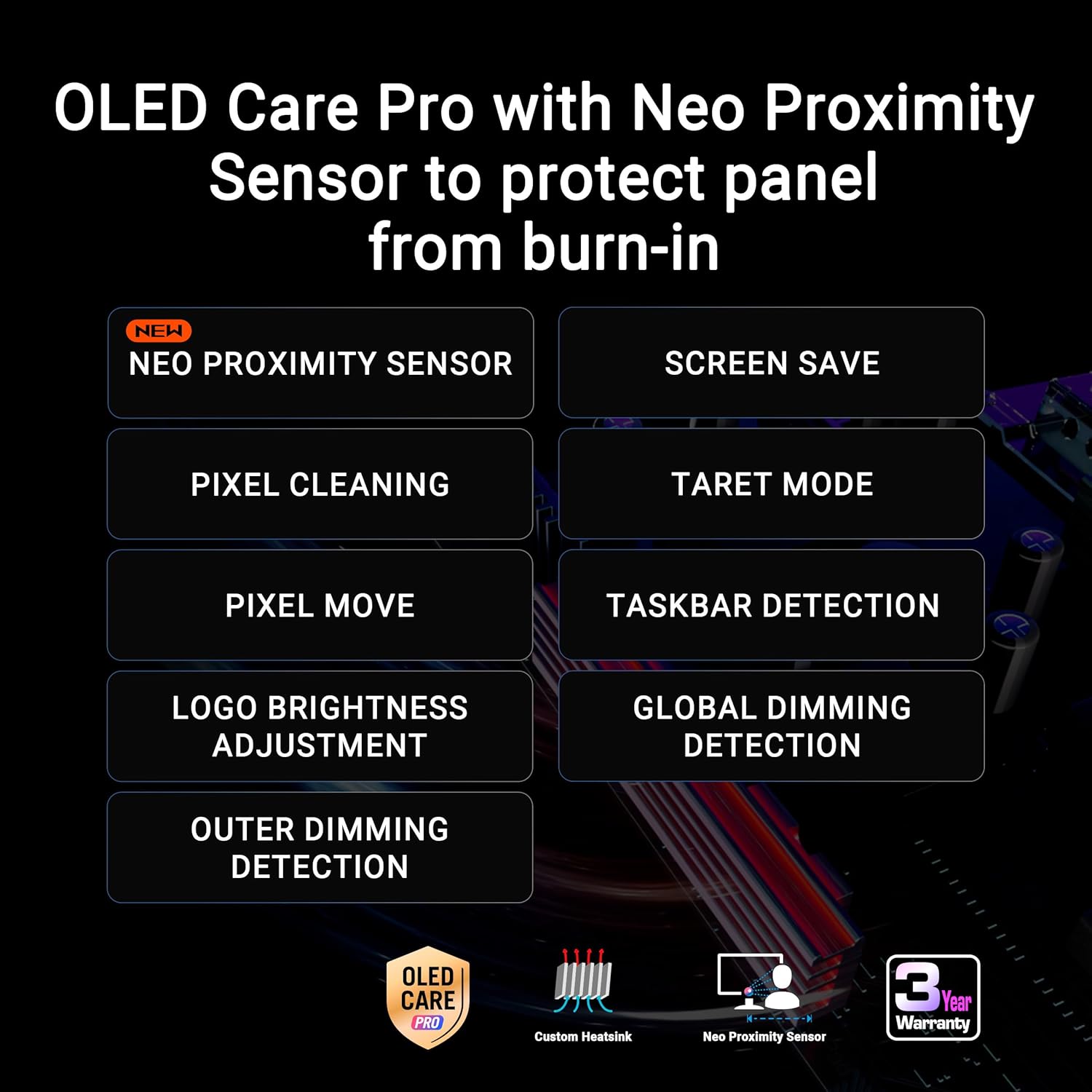
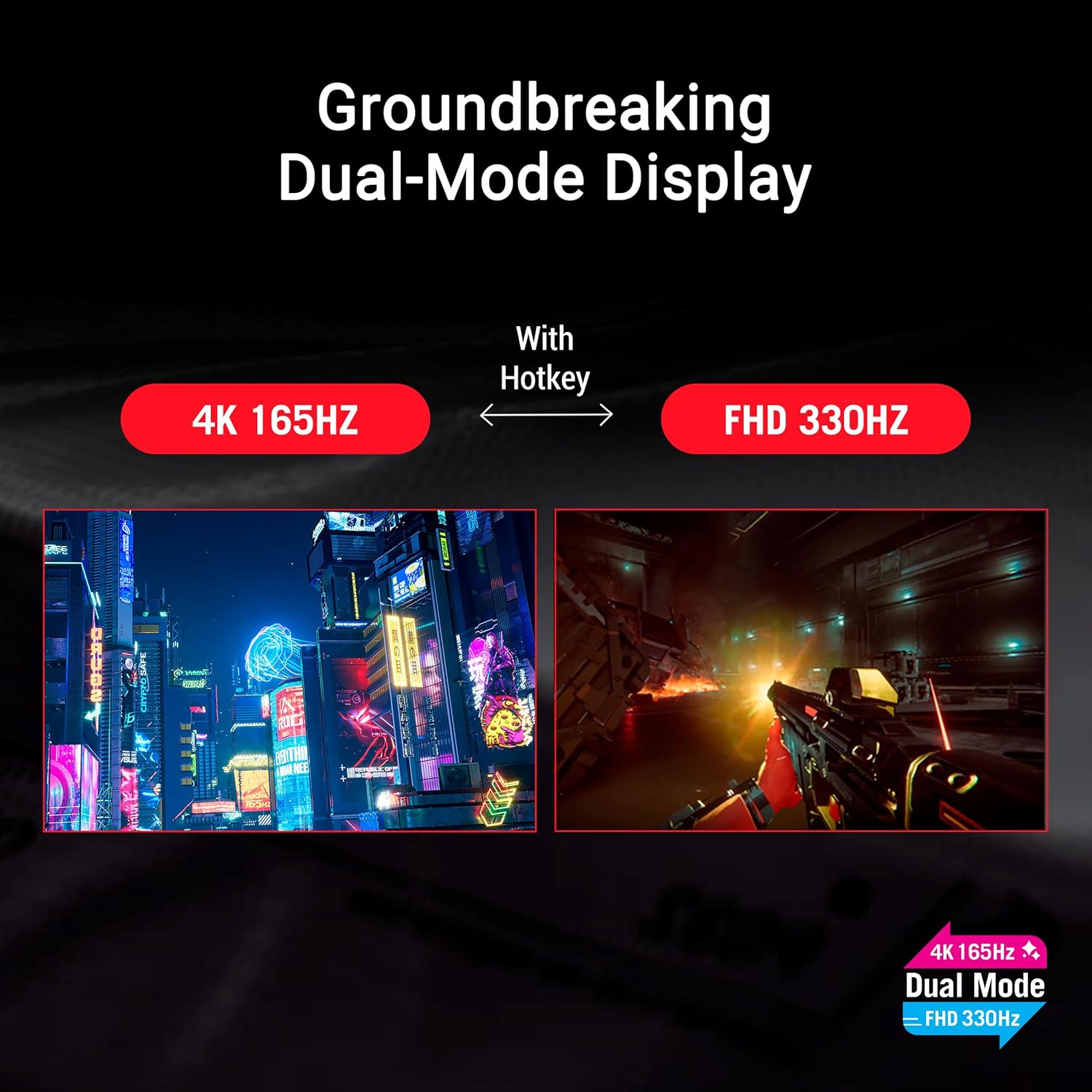
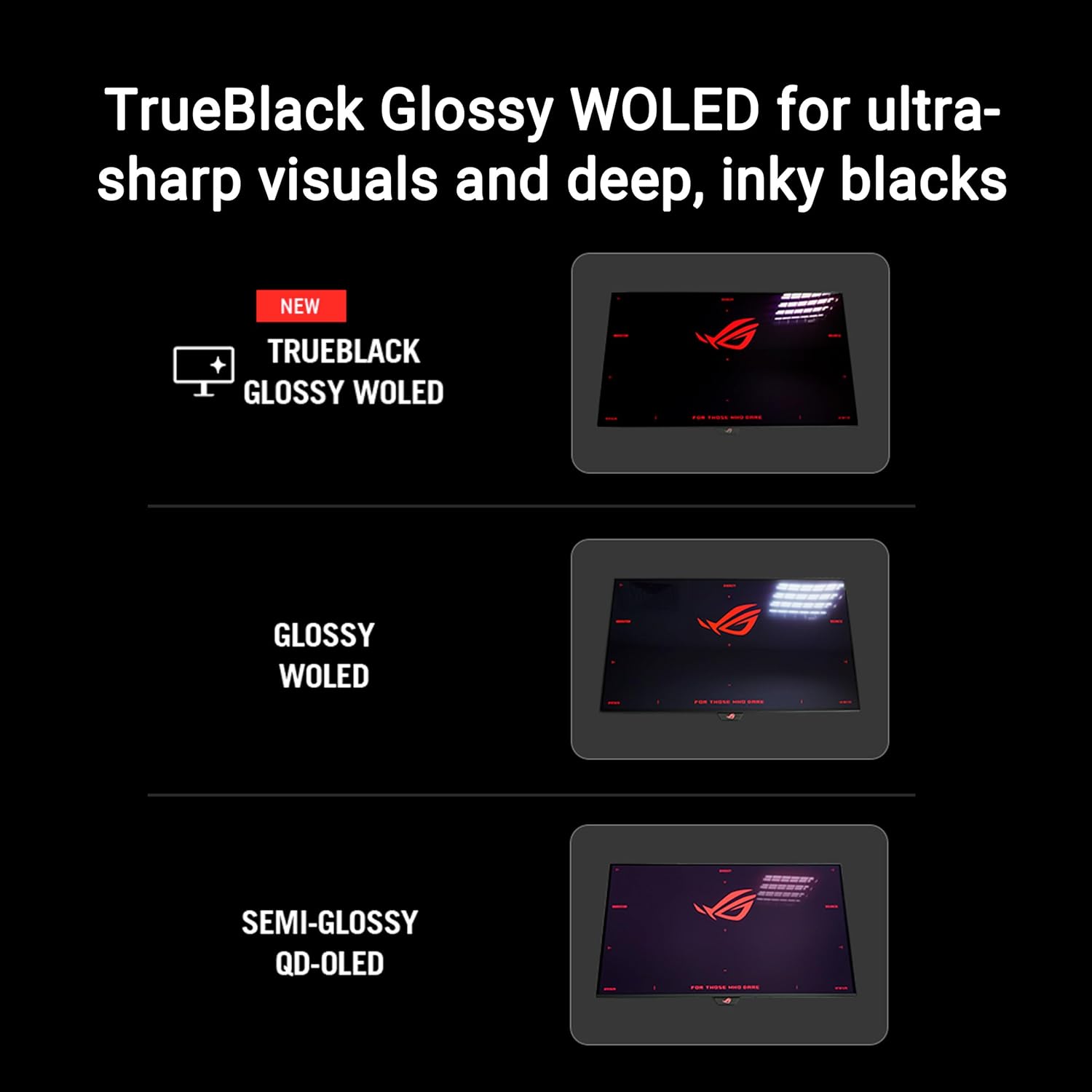


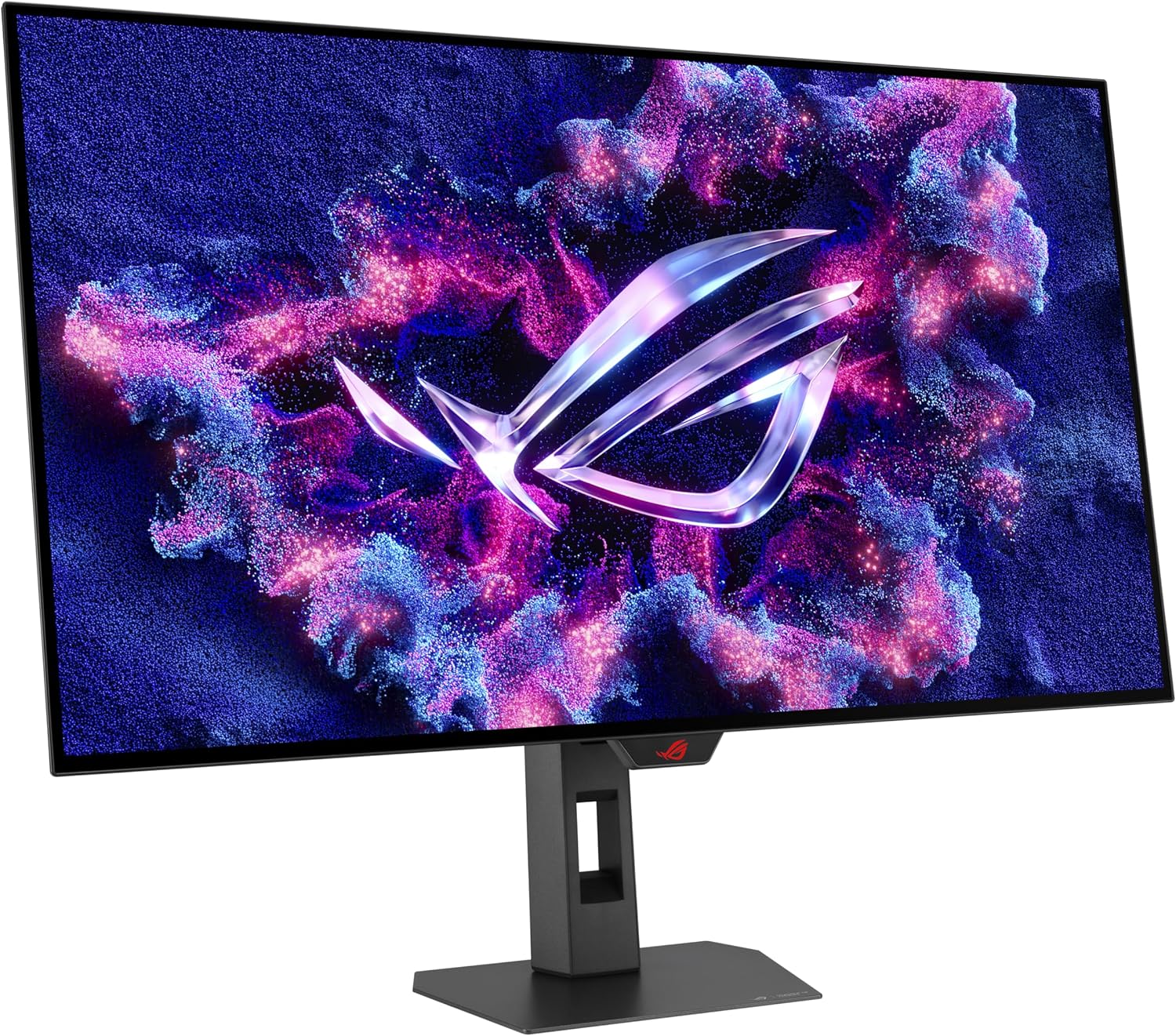


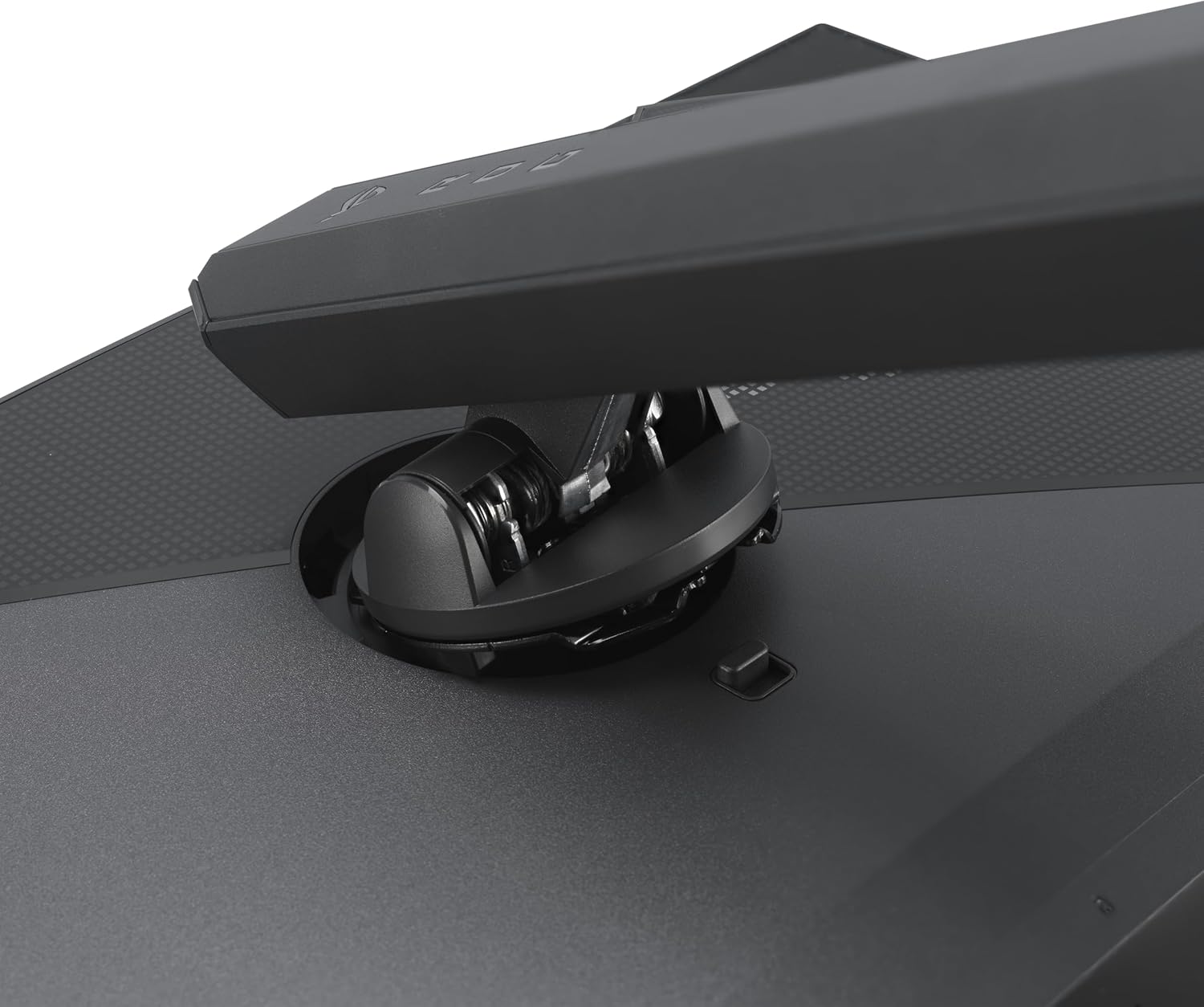

The ROG Strix OLED XG32UCWG is a 32-inch 4K TrueBlack Glossy WOLED gaming monitor that offers supersharp visuals and boasts a versatile dual-mode feature that enables seamless switching between 4K@165Hz and FHD@330Hz. Featuring the new Neo Proximity Sensor within the ASUS OLED Care Pro suite, the monitor is able to detect when the user is away and automatically transition to a black screen to guard against panel burn-in. Thanks to a compact stand, the XG32UCWG takes up minimal desktop space. Plus, it offers users an extensive array of connectivity options, including DisplayPort™ 1.4 (DSC), HDMI® 2.1, and USB-C® with 15-watt Power Delivery.
32-inch 4K (3840 x 2160) TrueBlack Glossy WOLED gaming monitor with versatile dual mode (4K@165Hz, FHD@330Hz)
Exclusive new TrueBlack Glossy panel provides a zero-haze surface and exceptionally sharp imagery
ASUS OLED Care Pro with Neo Proximity Sensor precisely detects when the user is away and switches to a black screen to reduce the risk of burn-in
DisplayWidget Center allows users to easily access OLED Care Pro functions and adjust monitor settings using a mouse
VESA DisplayHDR 400 True Black compliance, 99% DCI-P3 gamut, true 10-bit color, and Delta E < 2 color difference for astonishing HDR performance, making it perfect for photo and video editing
New AI Assistant provides Dynamic Crosshair, Dynamic Shadow Boost, and AI Visual functions for improved gaming experiences
Extensive connectivity options include DisplayPort 1.4 (DSC), HDMI 2.1, and USB-C with 15W Power Delivery
What’s in the box: DisplayPort cable, USB 3.2 cable, Power cord & adapter, Microfiber cloth, ROG pouch, ROG sticker, VESA mount kit, Quick release stand, Quick start guide, Warranty Card
3-month Adobe Creative Cloud: Receive complimentary access with the purchase of this product (valid until 8/31/2026)
9 reviews for ASUS ROG Strix 32” 4K OLED Gaming Monitor (XG32UCWG) – TrueBlack Glossy OLED, Dual Mode (4K@165Hz, FHD@330Hz), 0.03ms, G-SYNC Compatible, Neo Proximity Sensor, USB-C, HDMI 2.1, 3 yr Warranty
Add a review

$998.63
Falcon –
Finally a 4K Monitor That Feels Like Real 4K
Just got it set up and holy crap the blacks are actually black…. like perfect, deep, inky blacks that make everything feel way more vivid.I was this close to going with the 240 Hz glossy version (the UCDM), but I ended up with this one because the matte anti-glare finish was a must for my bright room… and honestly, it was the right call. No glare drama, even with sunlight coming in.This thing is a huge upgrade from my old Dell — like night and day. After using this, my old “4K monitor” feels like it wasn’t really even 4K 😂 Everything is sharper, the colors pop, and motion feels so smooth.If you want deep blacks, great gaming performance, and a killer picture for both work and play, this thing delivers.
Brian B. –
Wow
This is the best monitor ive ever seen in person, i can hardly believe the clarity. I use it for gaming and desktop apps and it performs like a pro. Yes the price was seriously high, but you get what you pay for. Screen glare is very low so i do not see any reflections from light sources behind me. Setup was easy and the packaging was very good. I used a monitor arm and not the included stand, that was super easy to setup as well. My only complaint is while the monitor controls are very easy to use, the on screen menu is so small on the base resolution it’s hard to see/read. But that is no reason not to buy this fantastic monitor. Before i bought this i had read that some people had noticed something around text characters like ghosting, i cannot see anything like this, text seems very clear and crisp. In conclusion, if you have a good pc and want to get the most out of it this monitor is a must have.
Hunter West –
Amazing visuals
Still super high quality after so much time of having it, making every game I play look beautiful and movies appear vibrant as if I was in a theatre. You can adjust it manually on the back to adjust height and angles for yourself. It’s a little heavy, especially for a monitor that isn’t super thick. The value for money is there, however you might be able to find other better options elsewhere. For example, I found an OLED monitor that was bigger, ran at around 300hz, and I believe was 4K at best buy. So you might have other options for yourself if this one isn’t for you.
Levon –
Worst monitor experience ever DO NOT BUY. Piece of junk moneysink. ASUS RMA is terrible
This was my first 4k monitor and man where do I begin. The fact that it’s so slow, I thought all 4k monitors were like this, turns out, after calling support after putting out with it for so long, turns out it’s defective, and that a lot of people were saying this monitor sucks. Even in the comments.The monitor is so slow that even if it’s the only monitor plugged in, it gets stuck in No Signal then turns off, even though it works if other monitors are placed. It’s so slow it does not see the BIOS POST, it’s ridiculous.In addition, it flickers when used with drawing programs. It turns off and on non-stop from time to time, or when the GPU is being used (while rendering and such and gaming.) This happened a while later after I was not able to fully return, this made me so mad that I spent about $1000 on this useless piece of junk.The monitor is so bad to the point where sometimes it just blurts out static noise from the speaker, you have to manually disable it from the settings.The monitor’s colors are kinda off as well, my other monitors are more vibrant and red, this is yellow.It wakes up from sleep so slow to the point, all my windows get scaled down and small and scatter to my other monitors.The monitor is so bad to the point where, if you idle, or your computer goes to sleep, it shuts down, and you have to MANUALLY turn the damn monitor on by pressing the power button, sometimes several times, because it decides that there is no signal, mind you the cables are sturdy and they WORK, it is NOT a cable issue.Overall this piece of junk was the worst moneysink ever. I even sent it over to support, they told me to not use the original box, because it’ll get lost, so I had to pay $55 for FedEx to get an uneven box to put the monitor in and fill it in with bubble wrap. Total waste of money.Then the RMA support comes and tells me there’s physical damage, EVEN THOUGH I had to WRITE AND SUBMIT a damn report of WHAT’S WRONG with the damn defective unit, and they ignored it and told me there’s physical damage on the screen, and it’ll cost a whopping $460 to fix it, plus $20 shipping (I thought THEY were paying that) and plus $60 for labor…This was the worst monitor I’ve ever had, never ASUS again, worst experience, I’ve never seen a monitor so damn slow to the point it behaves like a toaster compared to other monitors and don’t give me “oh it’s 4k, it’s slow” I’d expect MORE from a damn $1000 monitor.Don’t waste your money on this garbage.
Zebron –
Very good WOLED screen. Ended up using the 480hz mode more than I thought I would. Buy this model if you play a lot of competitive games which benefits from high framerates or else buy the QD-OLED model for the Dolby-Vision support.Make sure you have powerful hardware to fully utilize the capabilities of this display or else consider something else.
Infinity Venture –
I recently had the pleasure of upgrading my gaming setup with the ASUS TUF Gaming 28” 4K 144Hz DSC HDMI 2.1 Gaming Monitor, and let me tell you, it has been an absolute game changer. This monitor is a testament to ASUS’s commitment to quality and innovation in the gaming industry.First and foremost, the 4K resolution combined with the blazing fast 144Hz refresh rate makes for an incredibly immersive gaming experience. The visuals are crisp, the colors are vibrant, and the level of detail in games is breathtaking. Whether exploring open worlds, engaging in fast-paced shooters, or enjoying a visually stunning game, this monitor will deliver in spades. 100% recommended!
Ahmedballa1 –
I received the product very nice
McTHUG –
You should buy this one, it’s best for the price. Try using SVP software, it made my monitor look 10 times better after adjusting brightness, contrast & saturation settings in my media players (you also need to setup the proper codecs in media players or HDR will not work at all, google how to get your media players to work with SVP to get HDR to work… mine wasn’t even working even though I thought it was). I seek through the video to a dark spot and set your brightness, contrast and saturation in the media player there. After this, the darks and brights are so unbelievably awesome because there is 60 times more color than SDR, and the rest of the colors makes a difference too. I never had a clue it could look this good!! Use the DisplayPort Cable they give you in the box (it is superior to hdmi). Also, make sure you go Windows > Settings > System > HDR Option (turn on), and click above that option for more HDR options. There, the windows “HDR/SDR brightness balance” slider controls the SDR still visible (only the HDR pictures and videos can be HDR, so the rest is SDR, and therefore that slider does not affect the HDR at all.Change settings in monitor before switching to HDR mode in Windows, because you cannot change any monitor settings in HDR mode. (choose different modes in “GameVisual” category, I think Cinema Mode and Racing Mode or something allows you to change brightness, contrast, and even saturation.)After that, you never would have guessed it could make such a difference! Just remember to turn the HDR back off and on.Also, it literally gives off any heat at all somehow even though it’s so huge and powerful! It even has cheesy speakers don’t expect much there though haha.The DisplayPort cord they gave stopped working (or something? idk haha) It’s just a cheap cord, you should buy a good one!Overall, since I always use headphones, not the speakers, I give this monitor 10 out of 10 in everything else.
Henry Coronado –
Se ve genial, tiene unos colores muy intensos y una nitidez brutal, sin duda un gran monitor, excelente calidad, muy recomendable sin duda.